


Office 365 to Exchange Migration Screenshots
Use these screenshots to follow the EdbMails Office 365 to Exchange migration workflow, from selecting the migration operation and connecting the source Office 365 tenant to mapping mailboxes and starting the migration. For the complete product workflow, review the Office 365 migration tool before configuring the source and target connections.
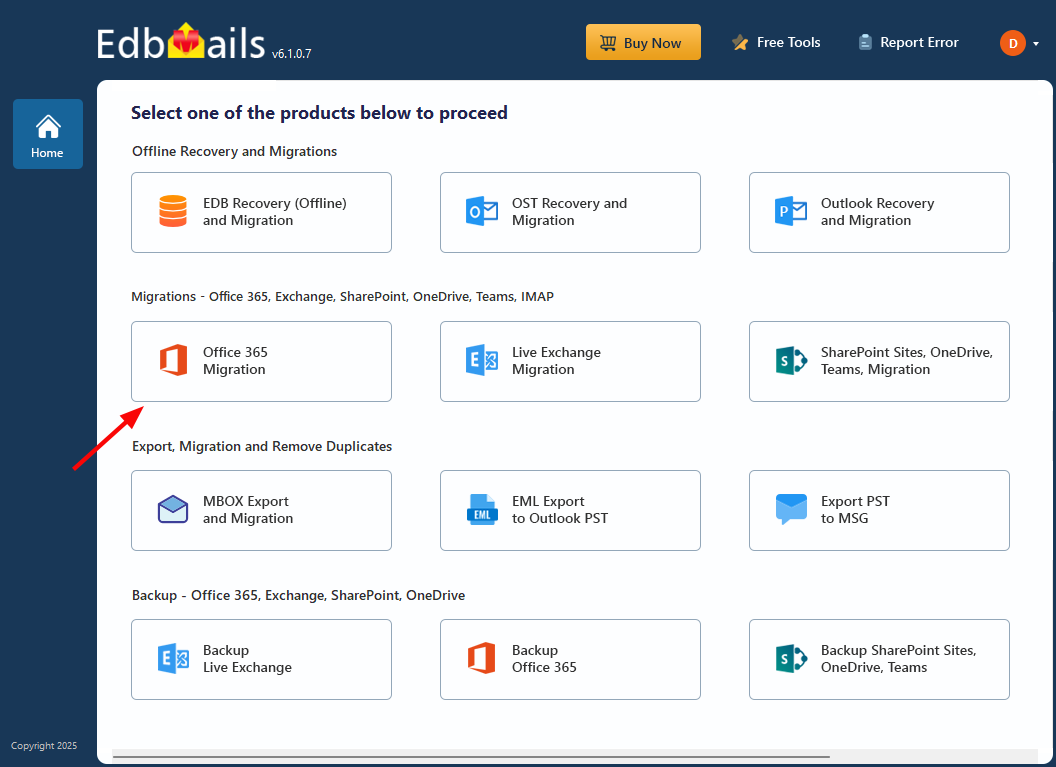
Select Office 365 Migration
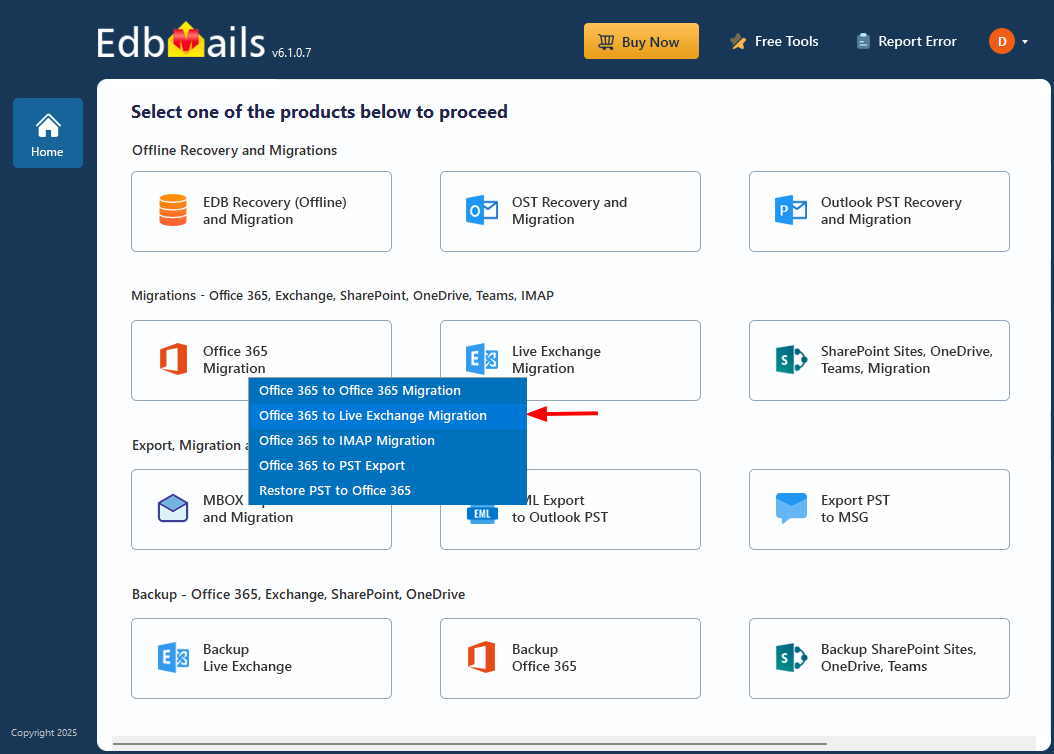
Select Office 365 to Live Exchange Migration
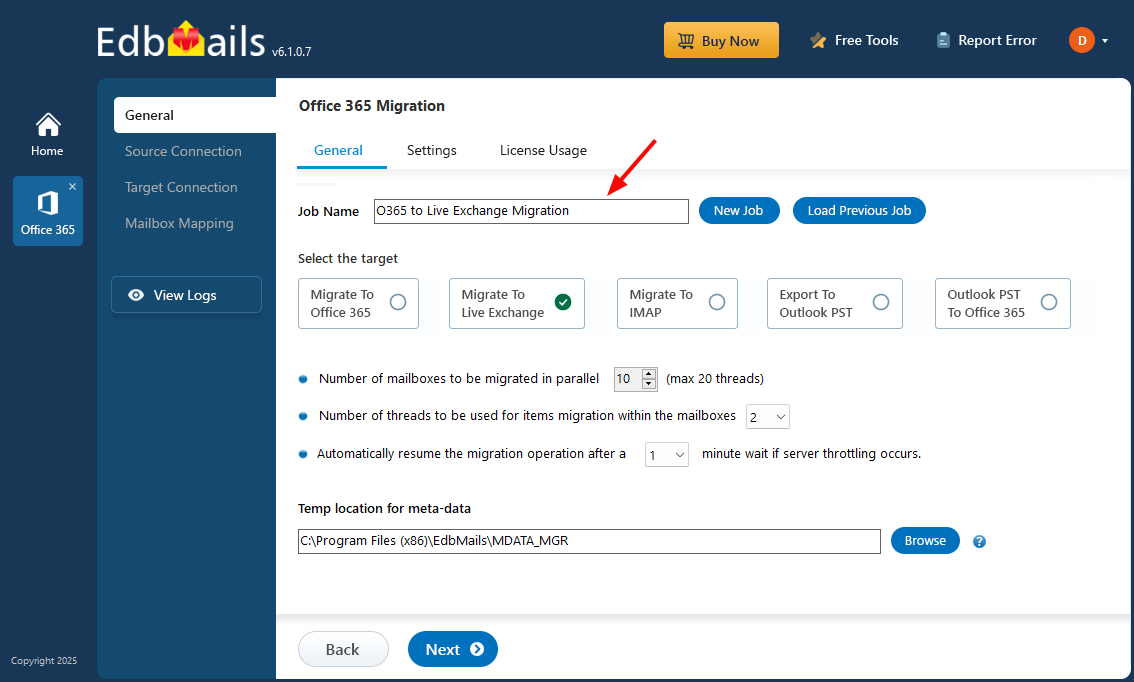
Enter a job name
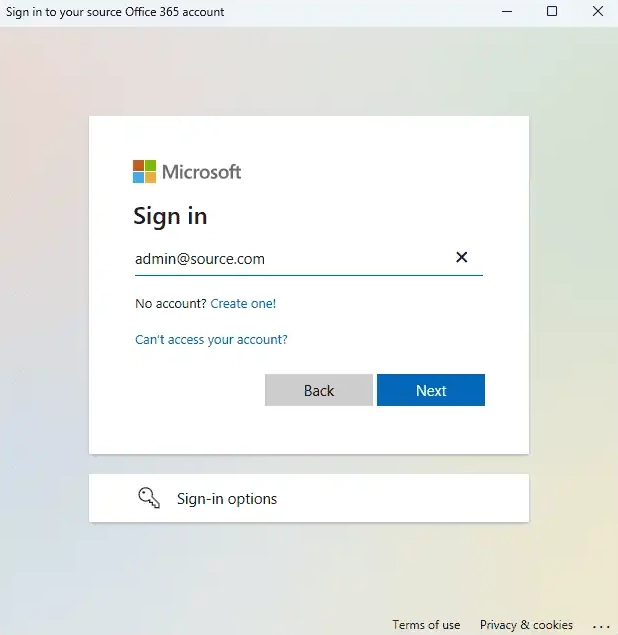
Sign in to the source Office 365 tenant
Load source mailboxes
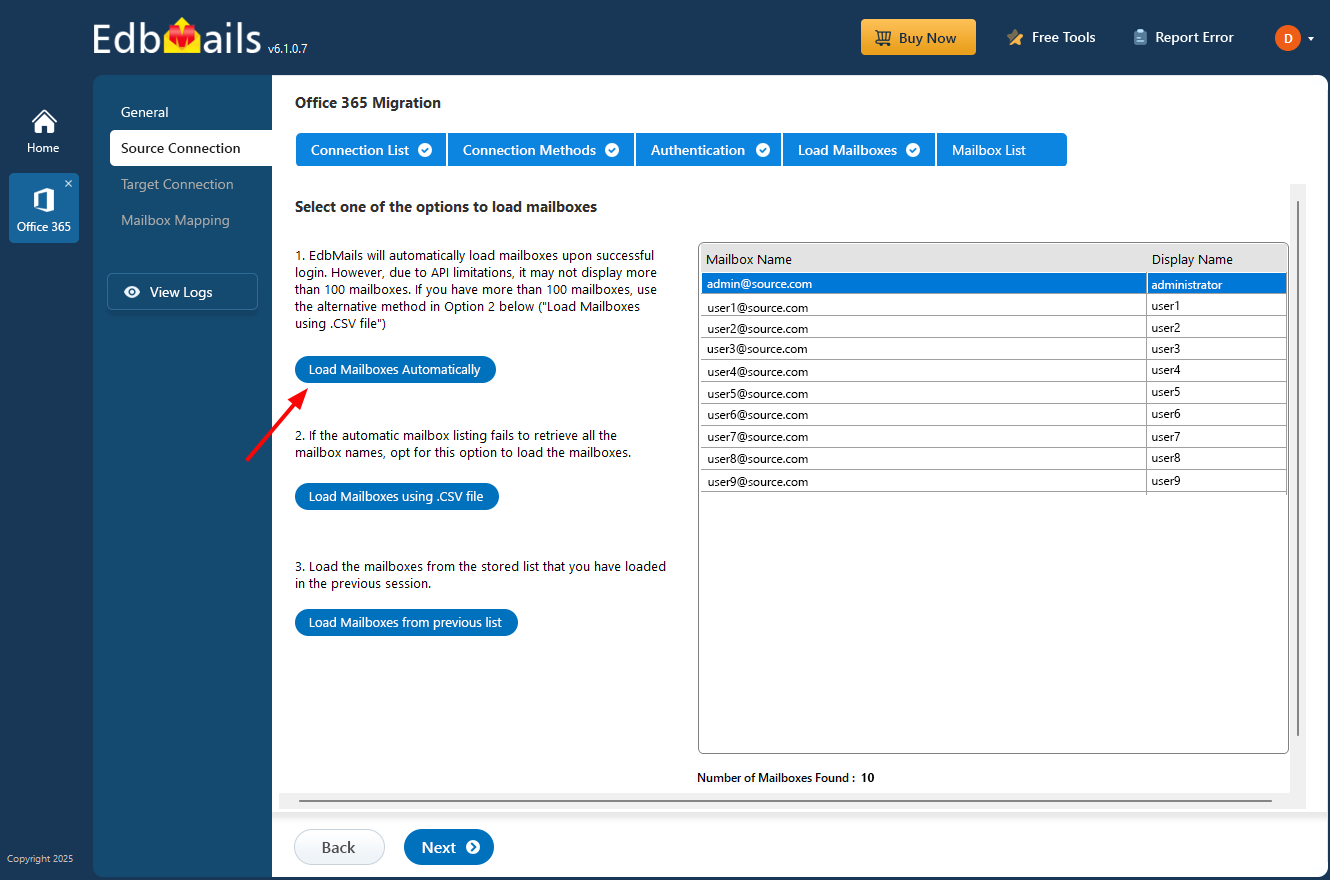
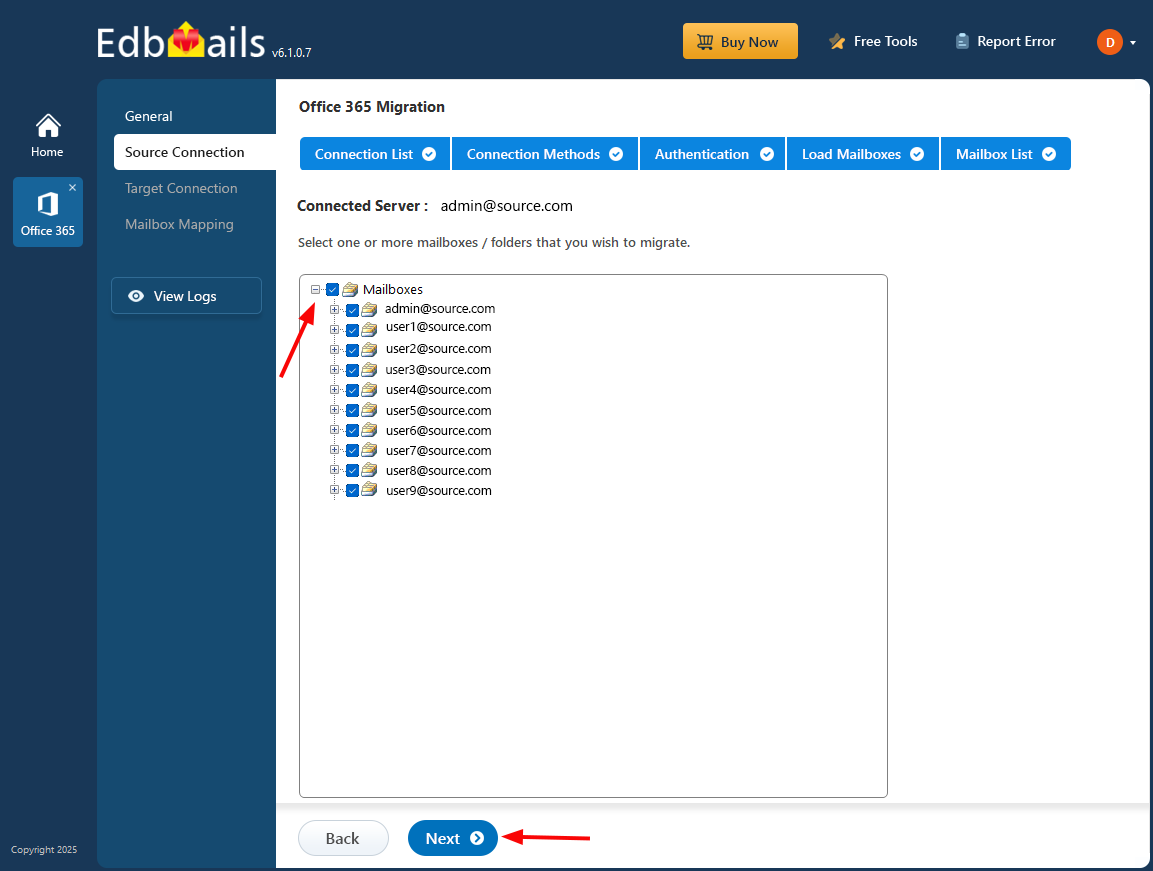
Select source mailboxes
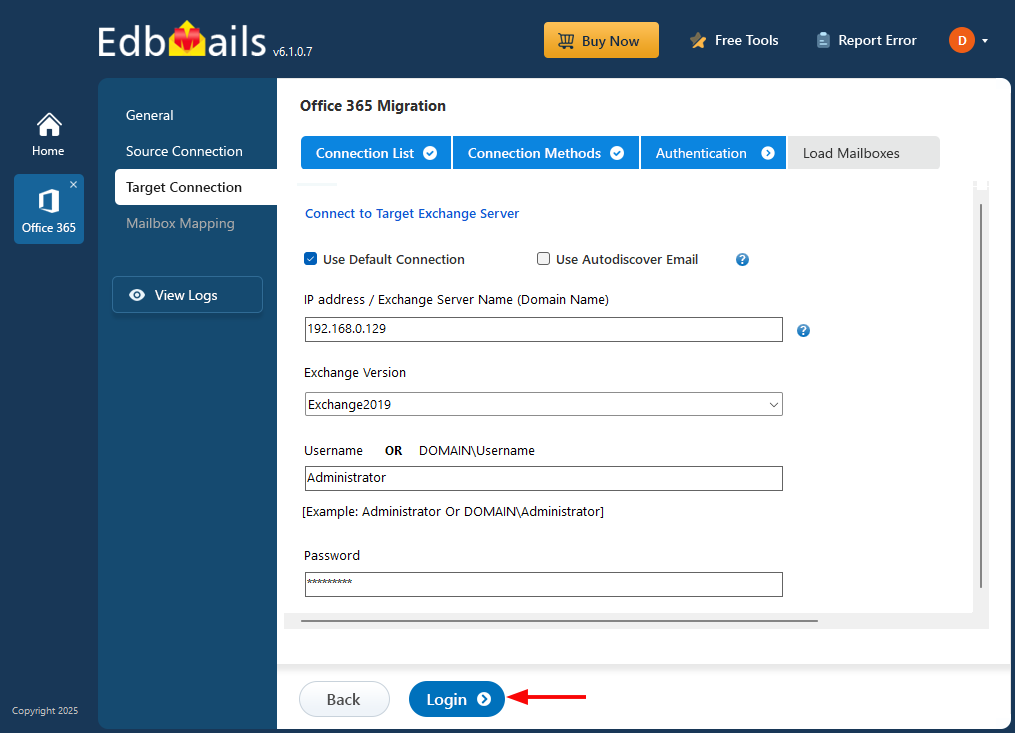
Connect to the target Exchange server
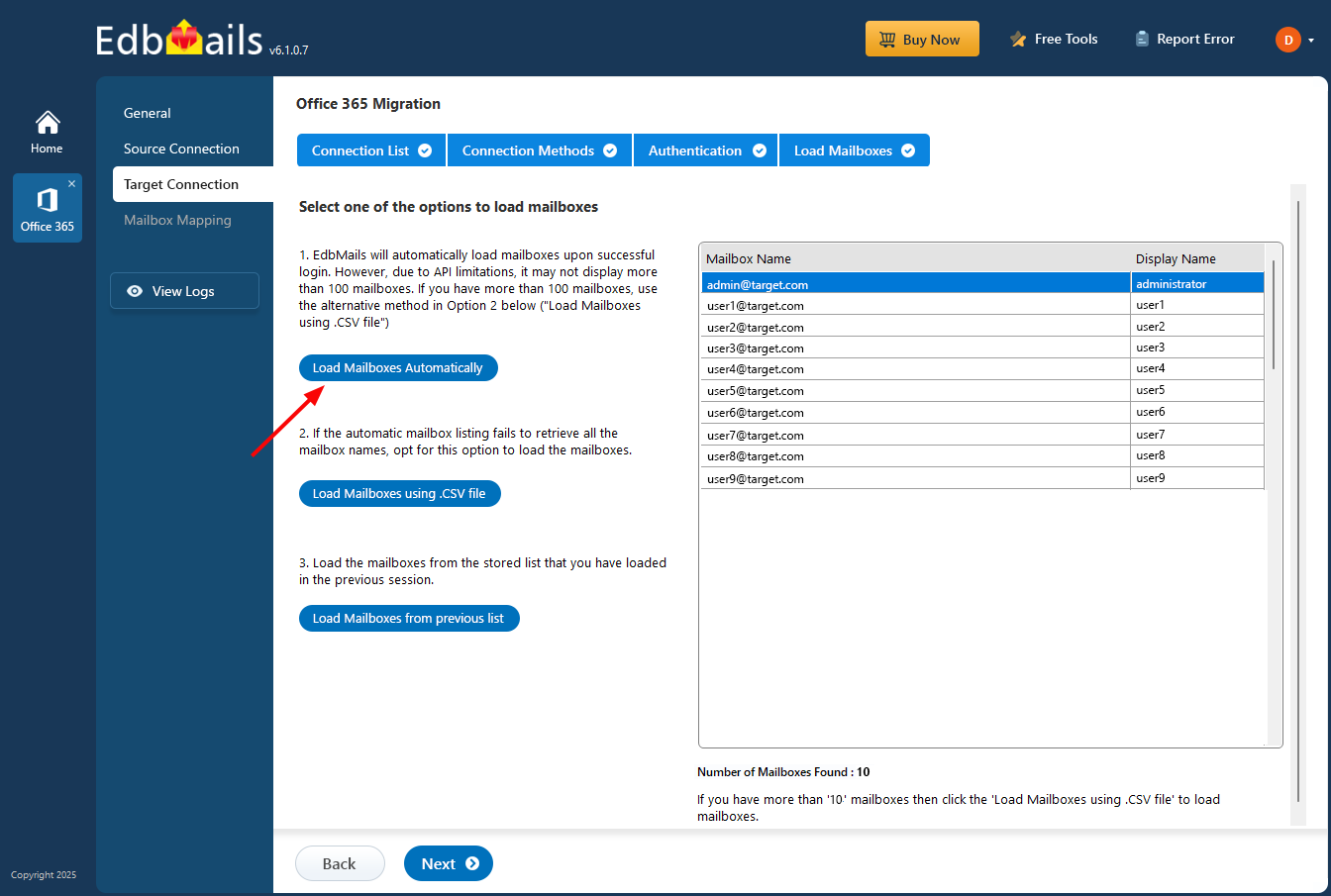
Load target mailboxes
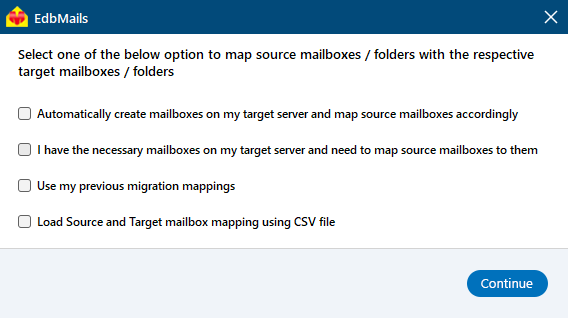
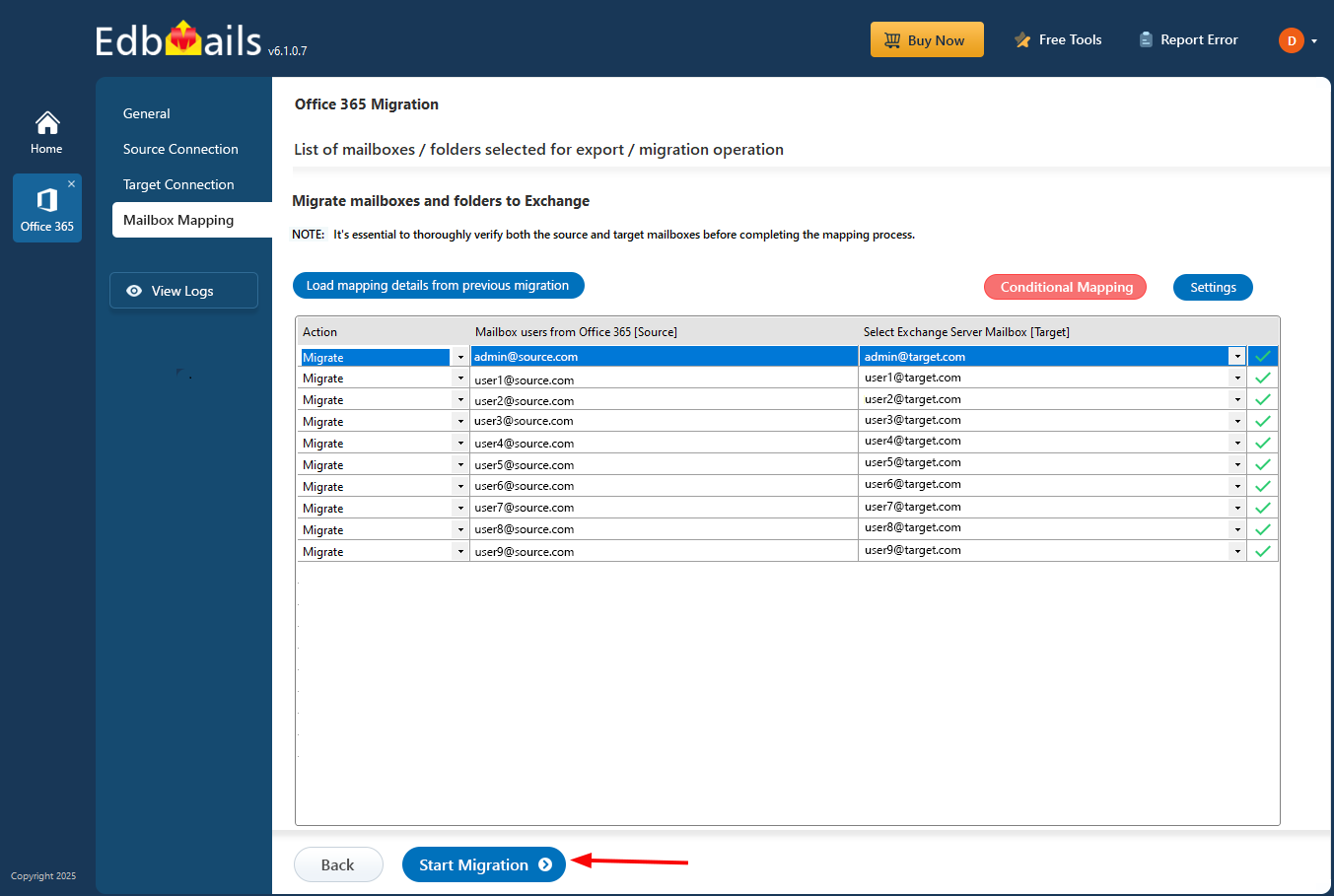
Map source and target mailboxes
Start Office 365 to Live Exchange migration
For the broader planning and migration sequence, see the Office 365 migration guide. Before starting the migration, use the Office 365 migration checklist to confirm the source and target environments are ready.
