OST to PST Screenshots
Use these step-by-step screenshots to see how the OST to PST Converter works. The walkthrough shows how to select an offline OST file, choose the required mailboxes or folders, set the PST destination, and start the export.
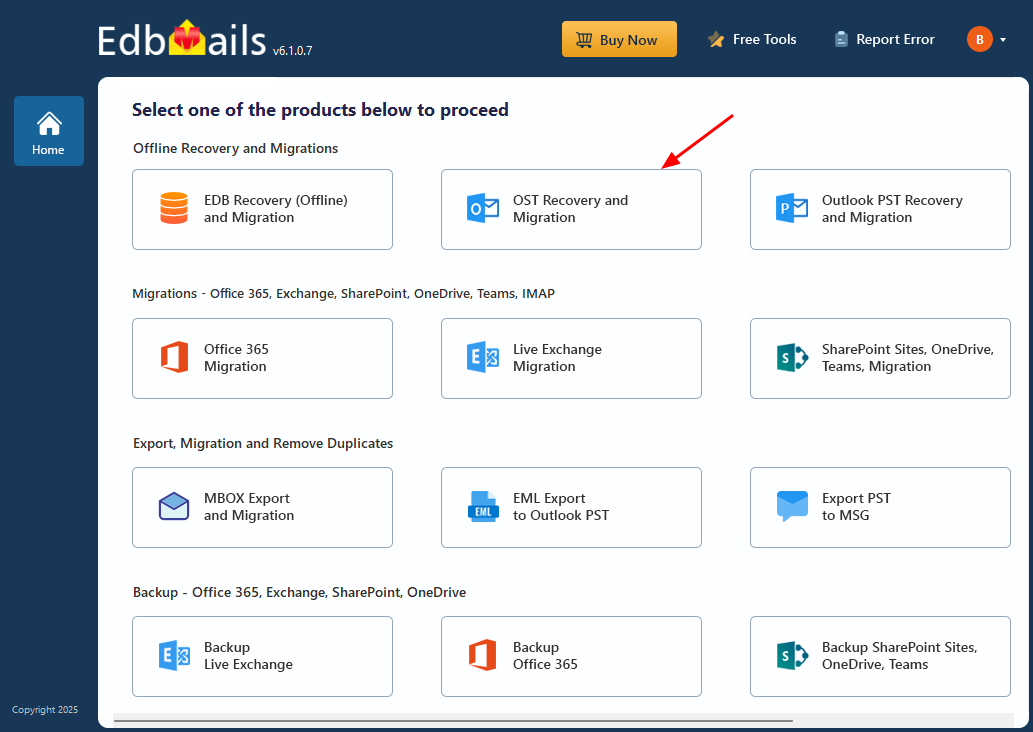
Select ‘OST Recovery and Migration’
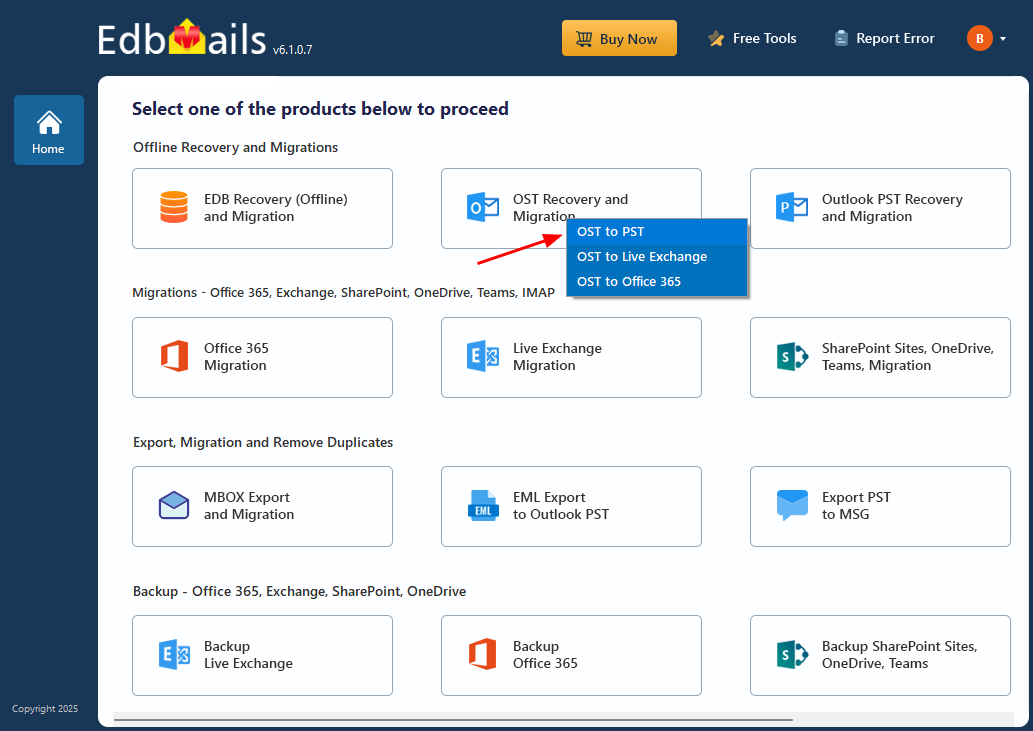
Select ‘OST to PST’
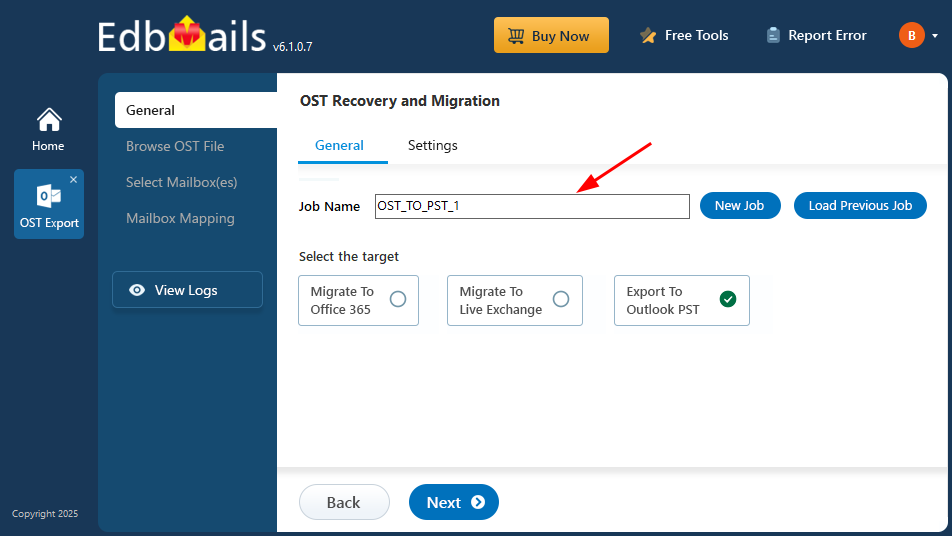
Enter Job name
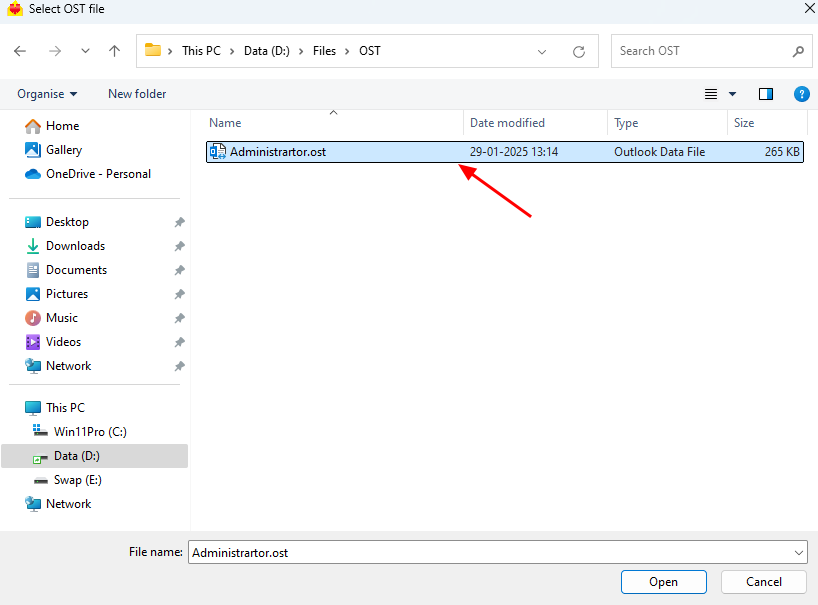
Select the offline OST file
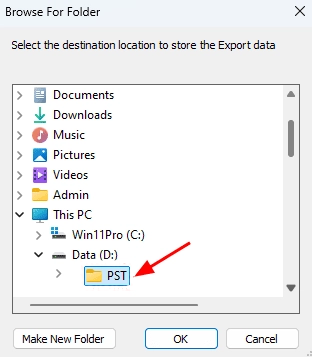
Select the location to store PST file
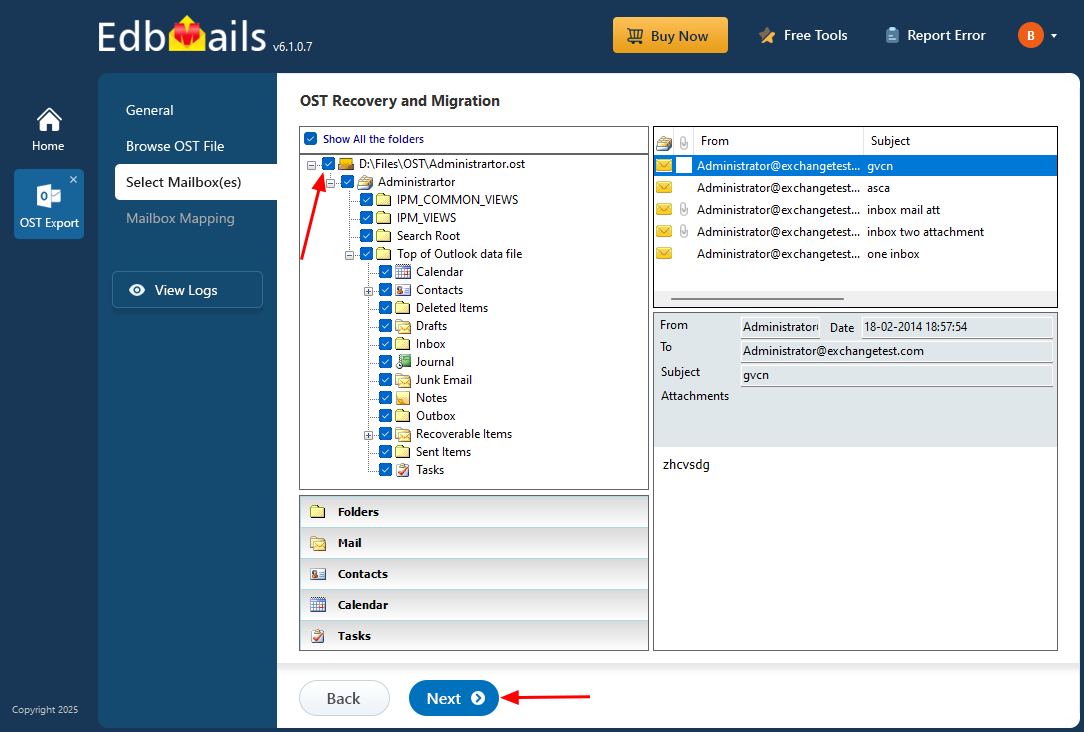
Select mailboxes or folders
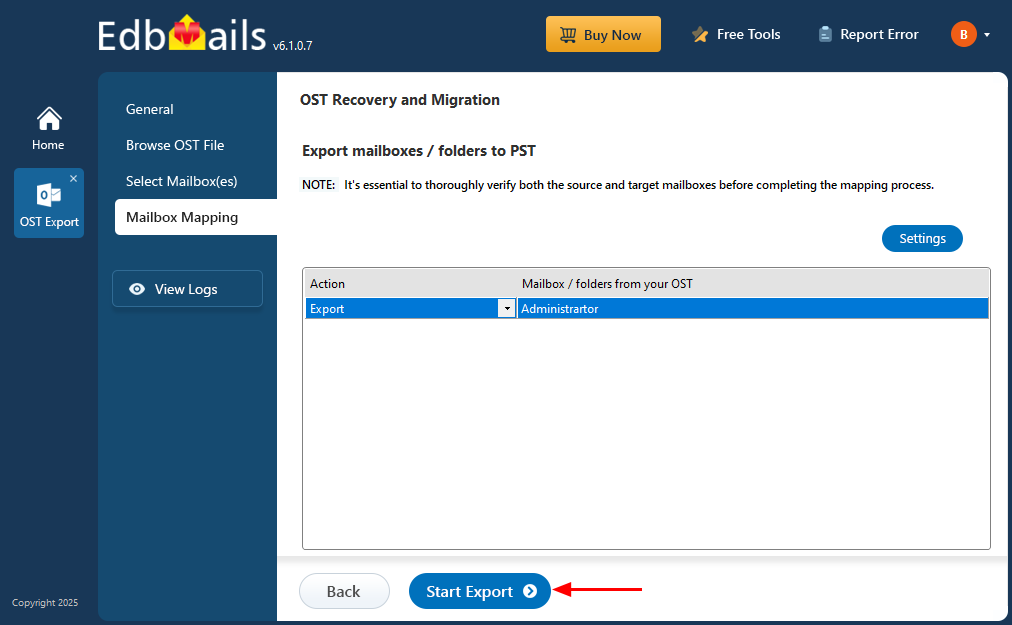
Click 'Start Export' button