


OST to Office 365 Migration Screenshots
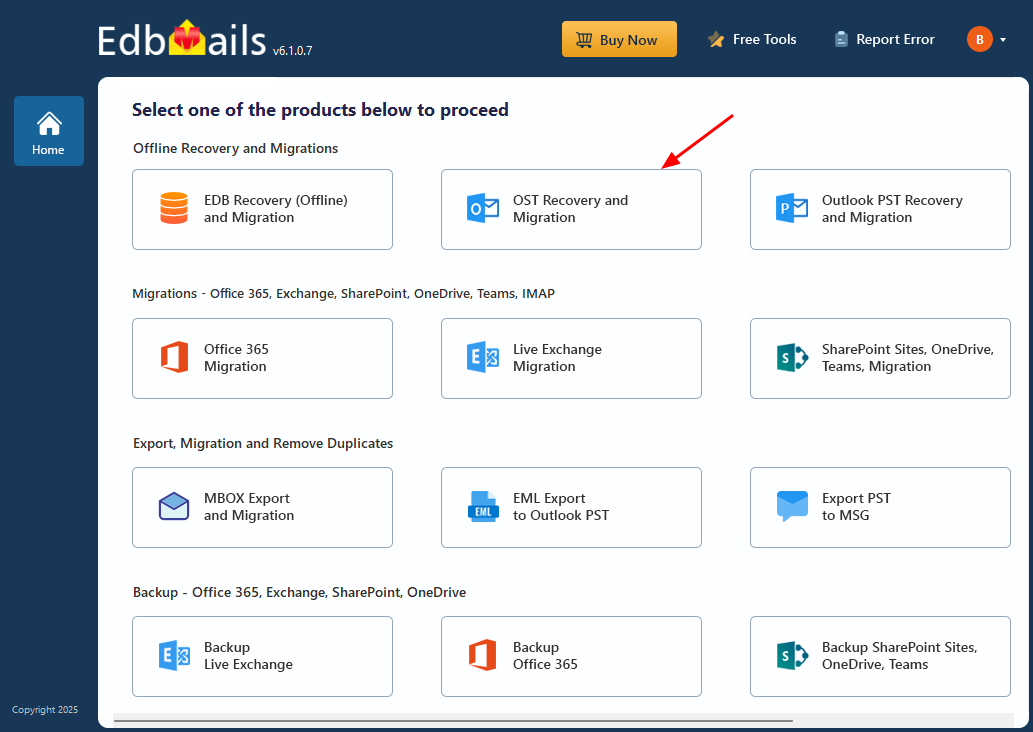
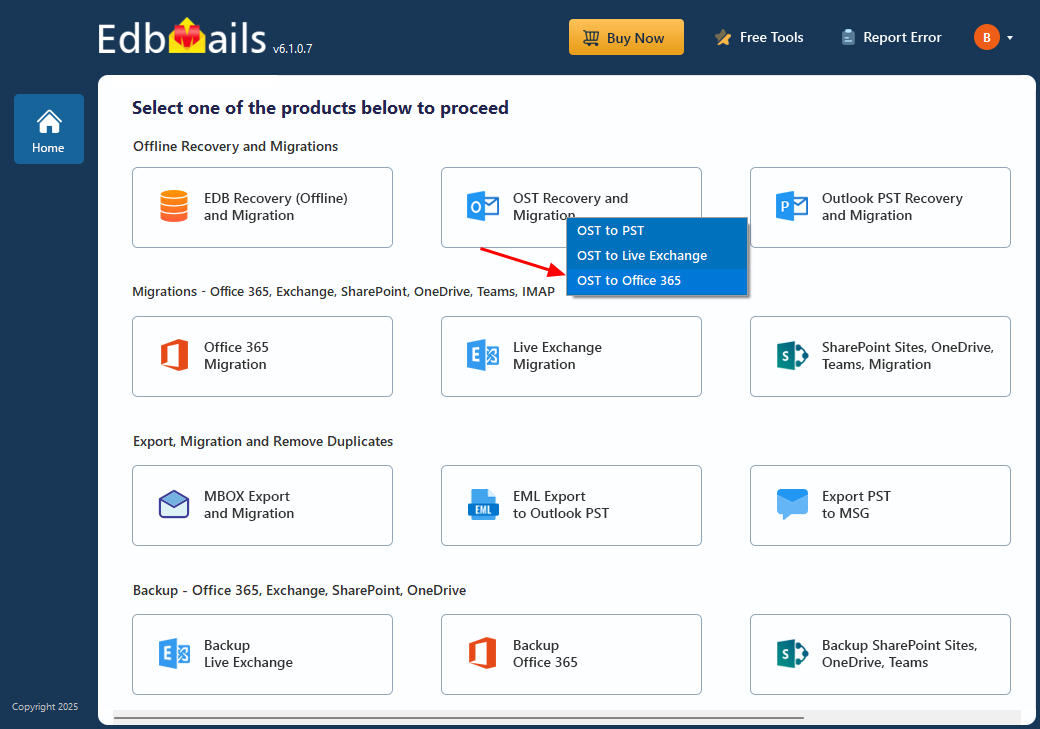
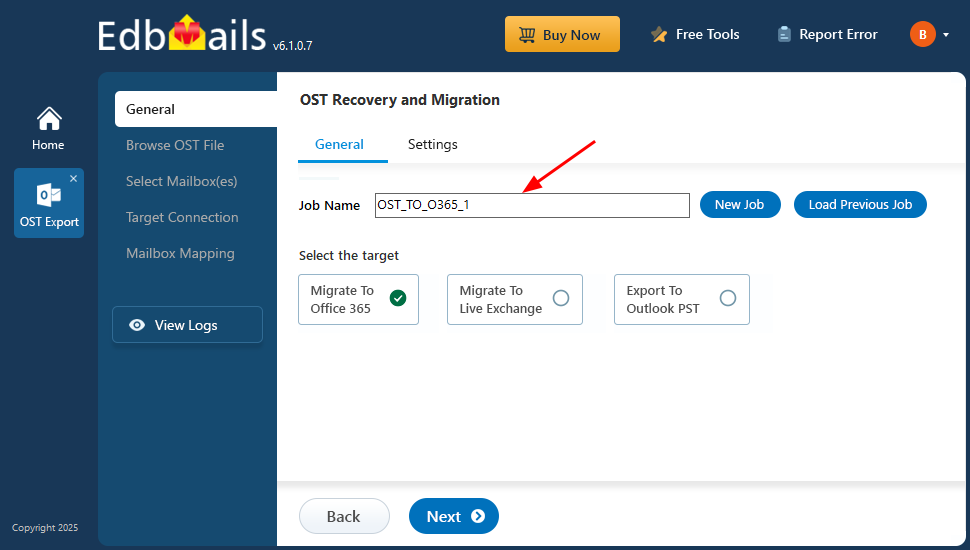
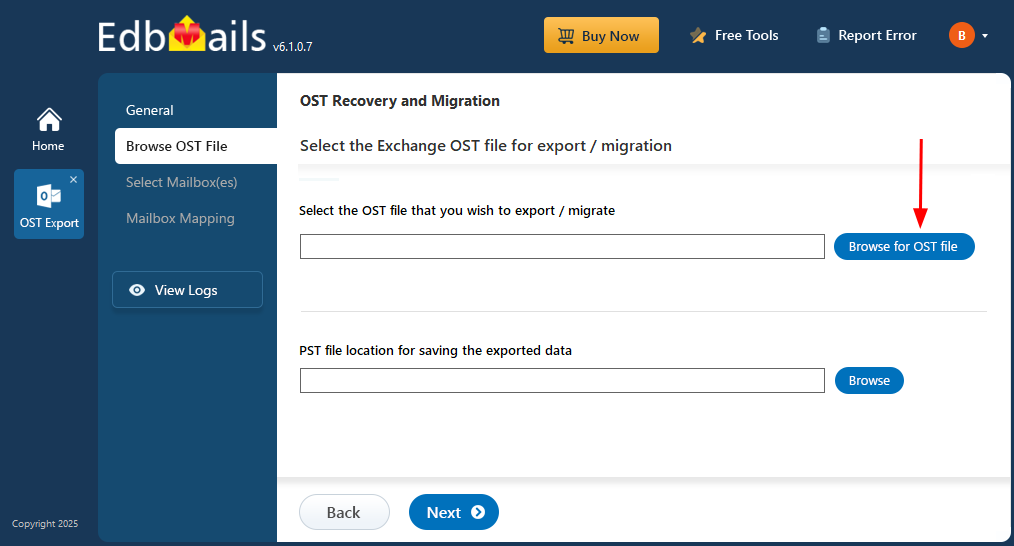
These screenshots show the EdbMails direct OST-to-Microsoft 365 workflow: select OST Recovery and Migration, choose the OST to Office 365 destination, scan the source, connect to Microsoft 365, map the mailbox, and start migration.
Select ‘OST Recovery and Migration’
Select ‘OST to Office 365’
Enter the Job name
Browse for OST file
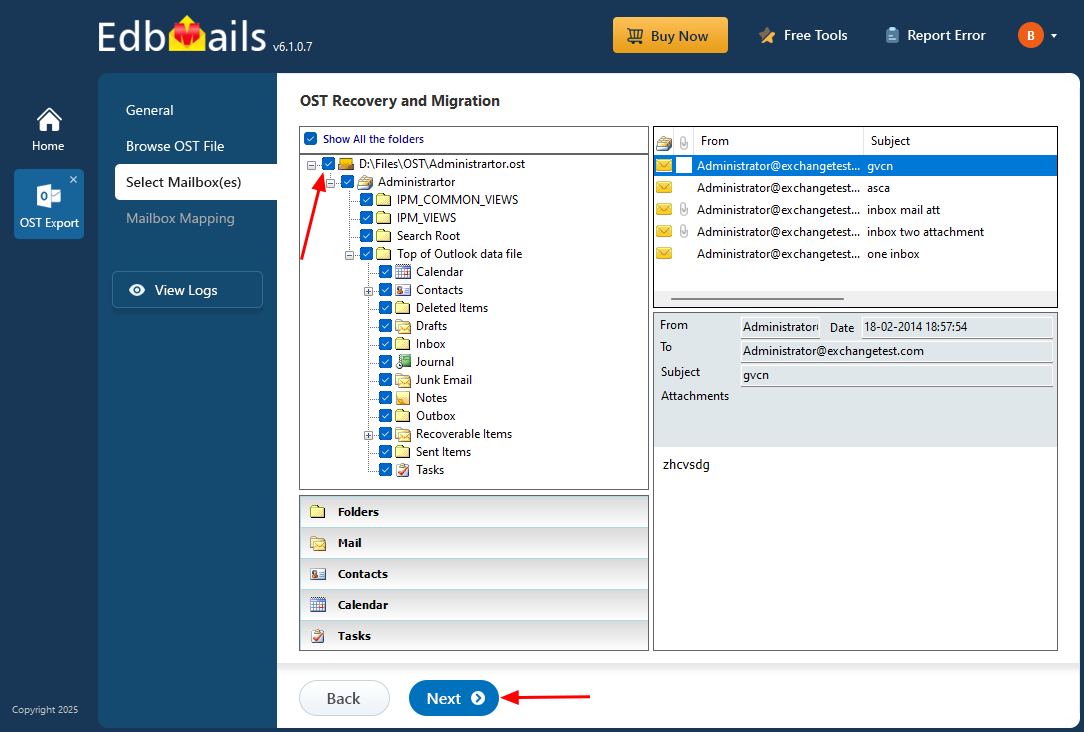
Select the mailboxes to migrate
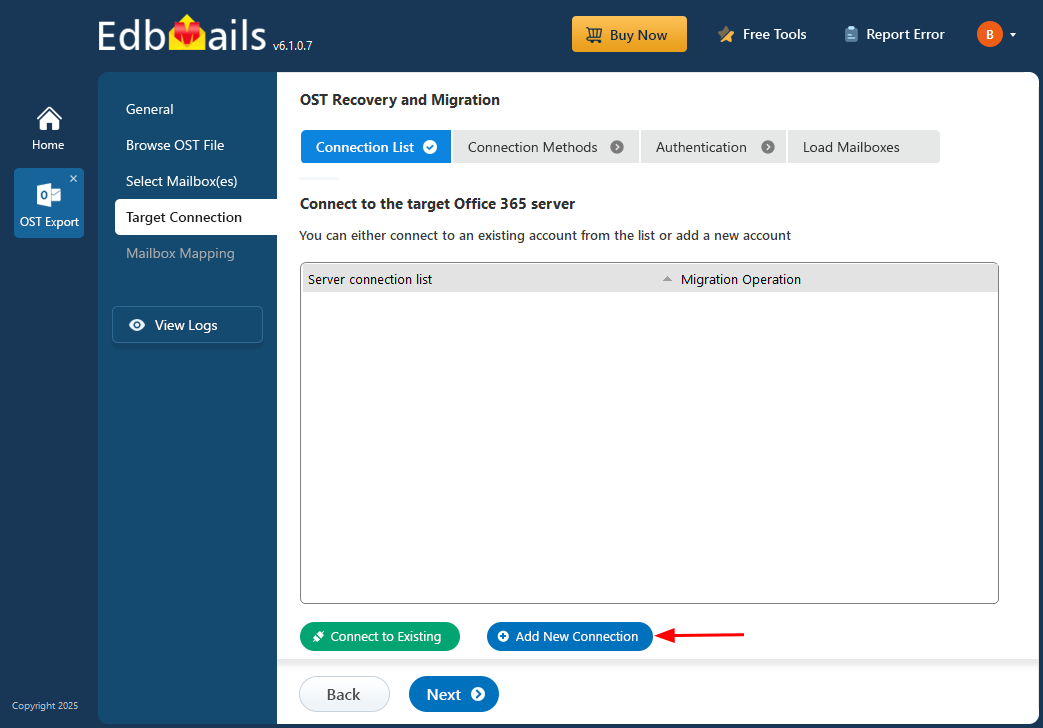
Connect to target Office 365 server
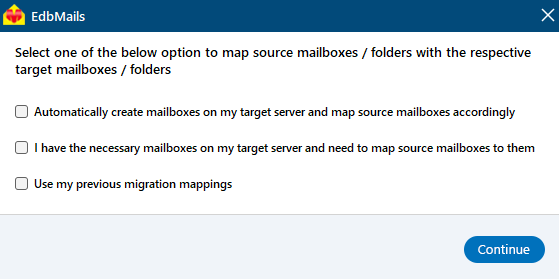
Map OST to Office 365 mailboxes
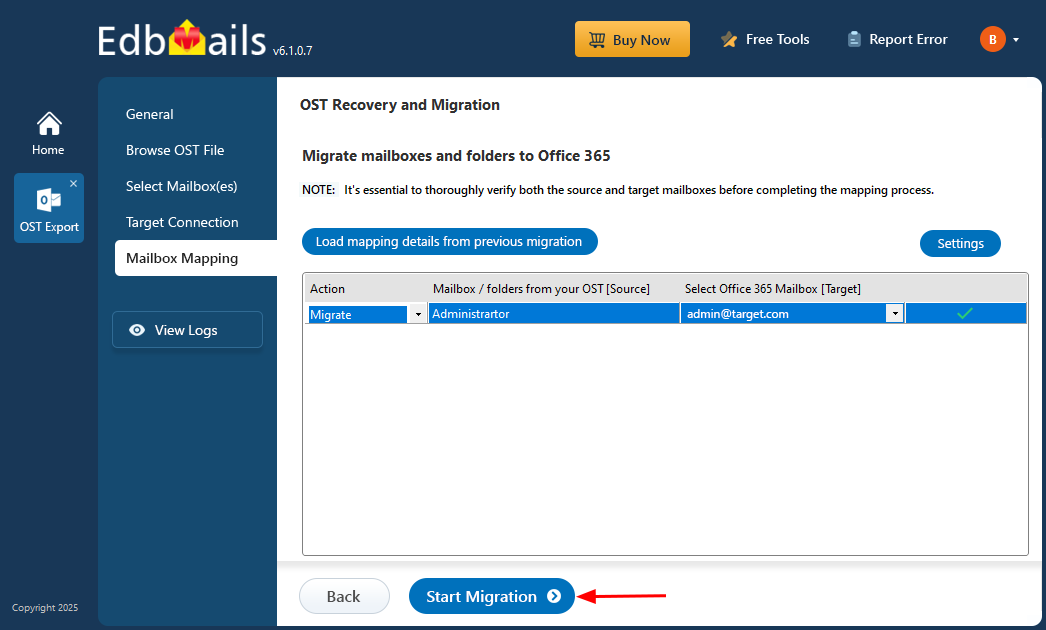
Click the 'Start Migration’ button
For the complete direct-migration procedure, see the OST to Office 365 migration guide. If you need a portable PST instead of direct Microsoft 365 migration, use the EdbMails OST to PST Converter.
