OneDrive Backup Screenshots
These screenshots illustrate the EdbMails OneDrive backup workflow. For the main product overview, see OneDrive Backup. For written instructions, use the OneDrive Backup Guide.
Focused topics: local storage, incremental backup and file and folder backup.
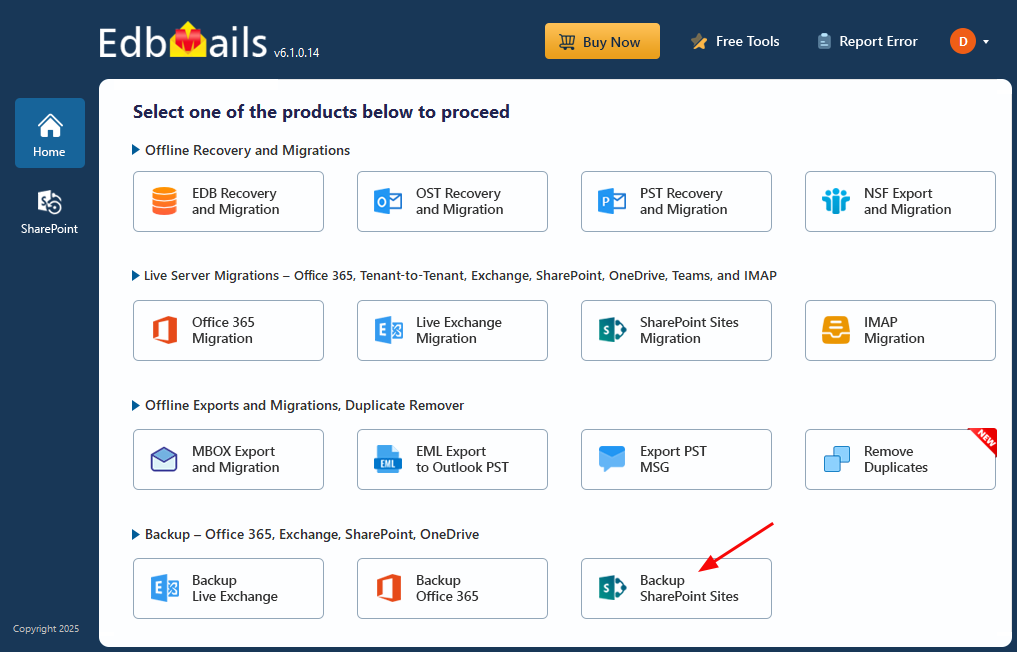
Select ‘Backup SharePoint Sites’
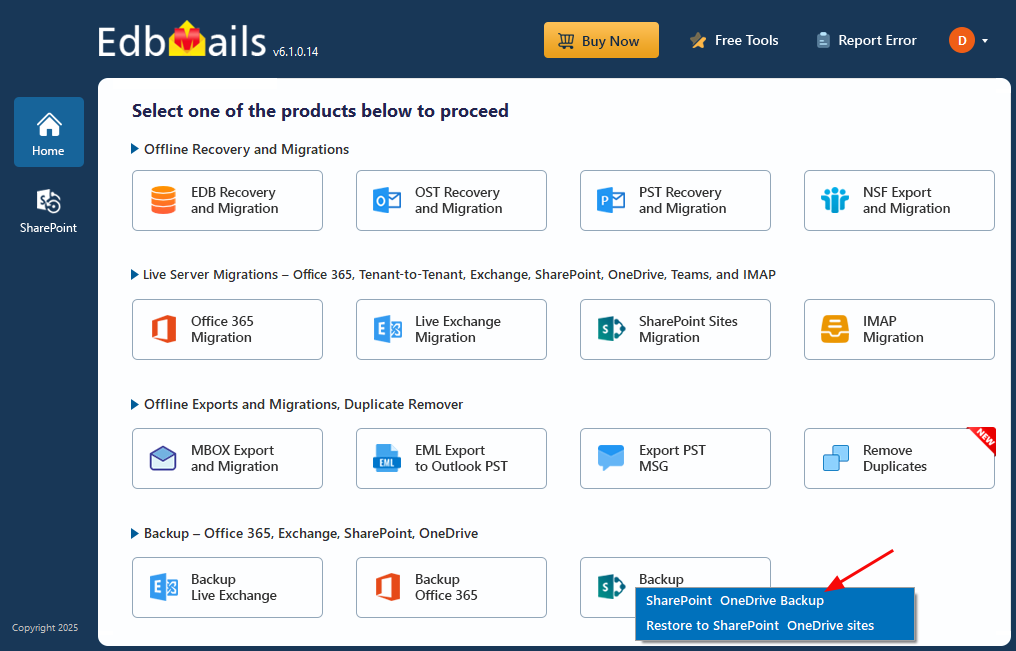
Select ‘SharePoint OneDrive Backup’
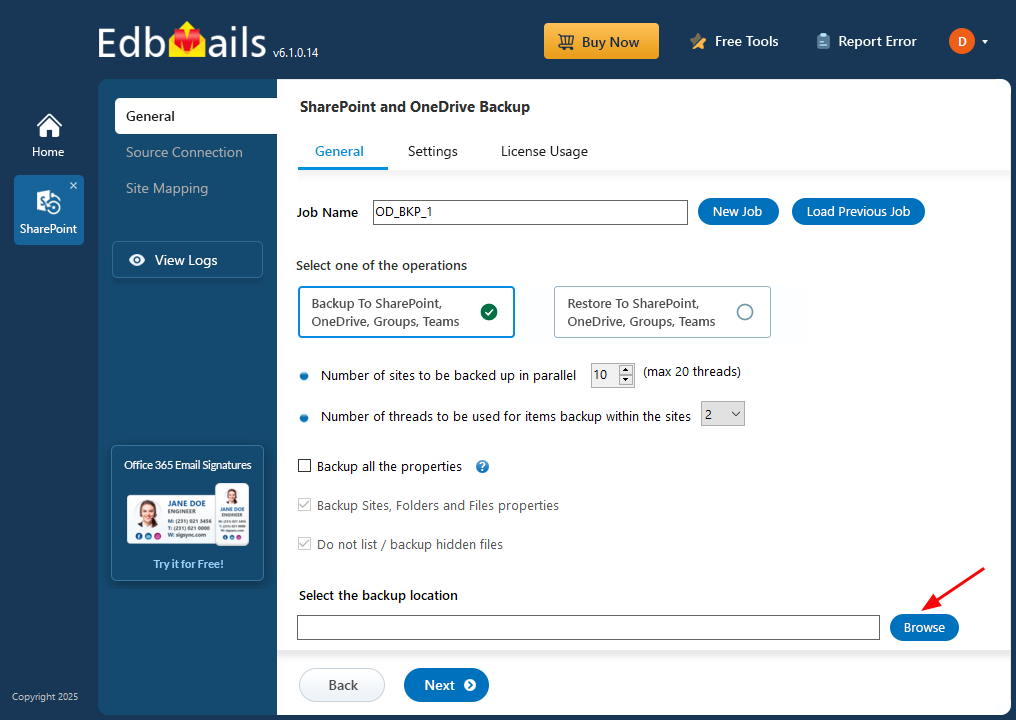
Enter Job name
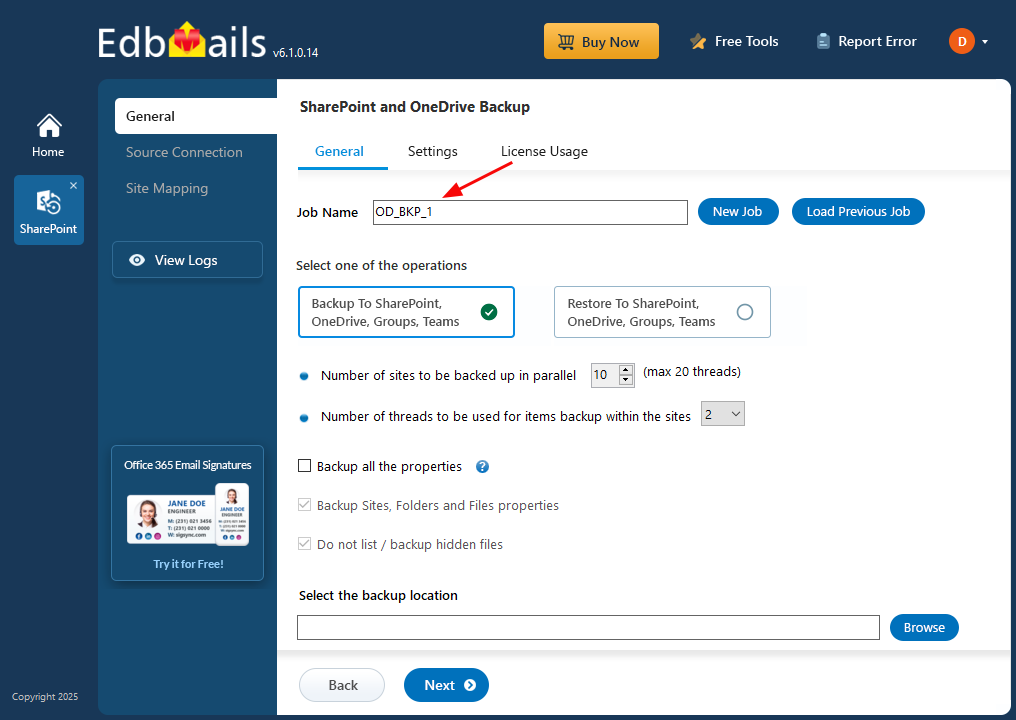
Click ‘Browse’
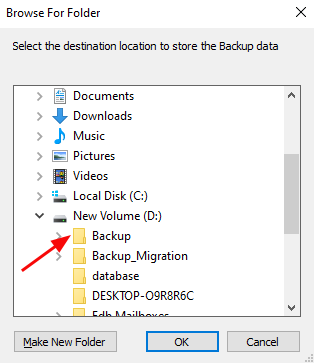
Choose the destination
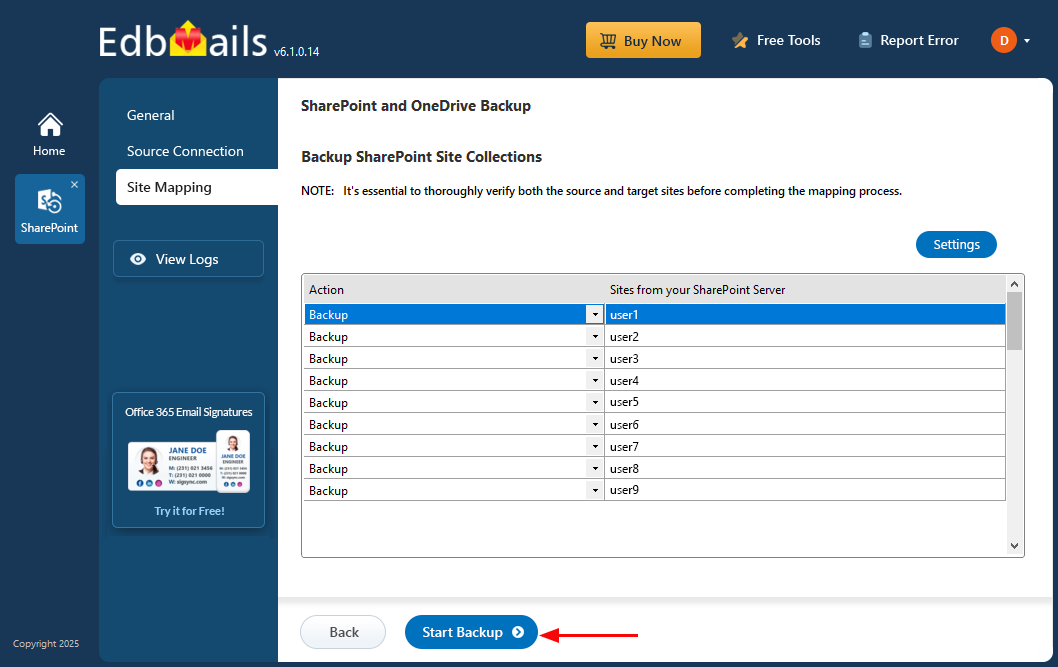
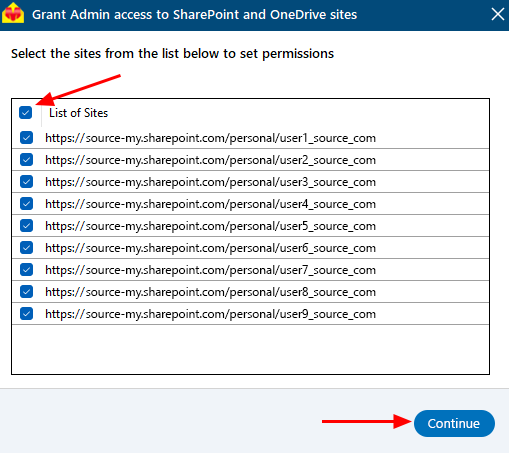
Select the required sites
Click "Start Backup"