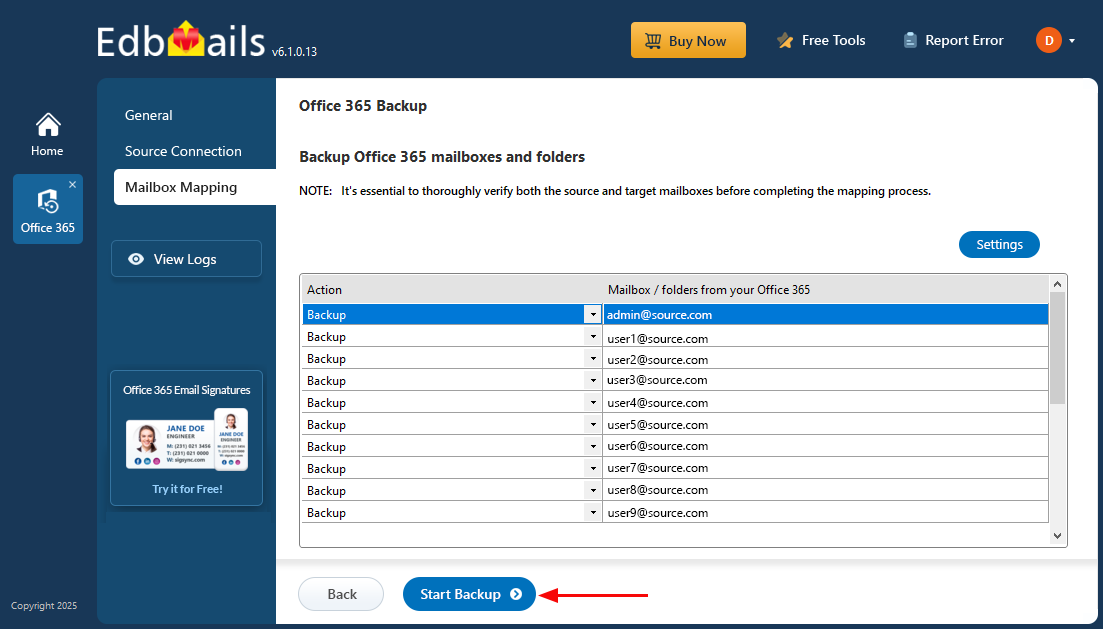
Office 365 Backup Screenshots
These screenshots show the EdbMails Office 365 mailbox backup workflow from job creation and Microsoft 365 connection through mailbox selection and starting the backup. For the complete product overview, visit Office 365 Backup. For written instructions, see the Office 365 Backup Guide.
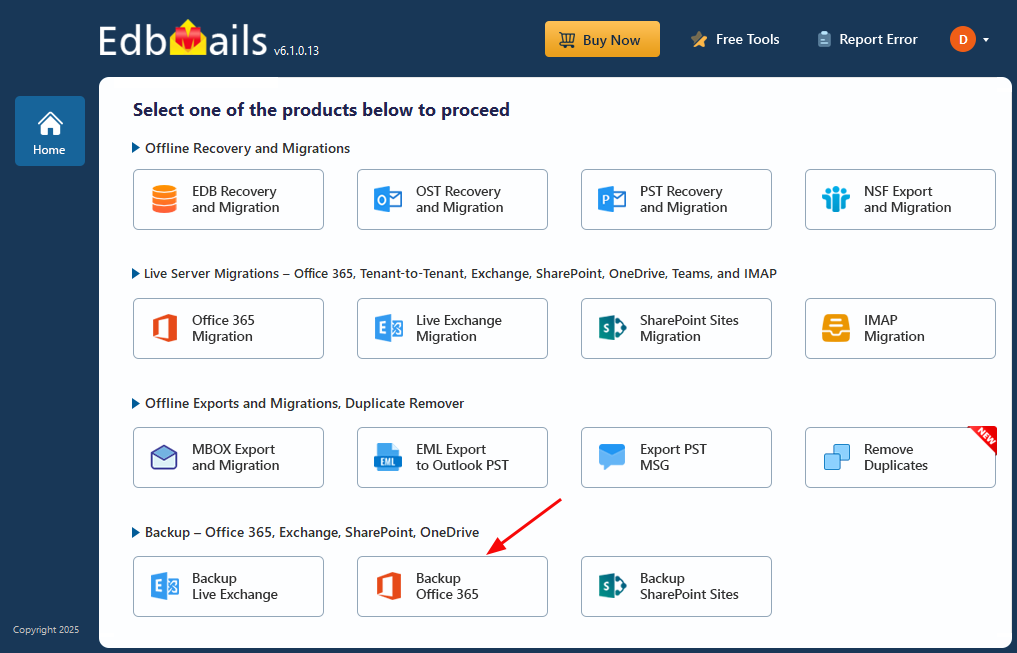
Select ‘Backup Office 365’
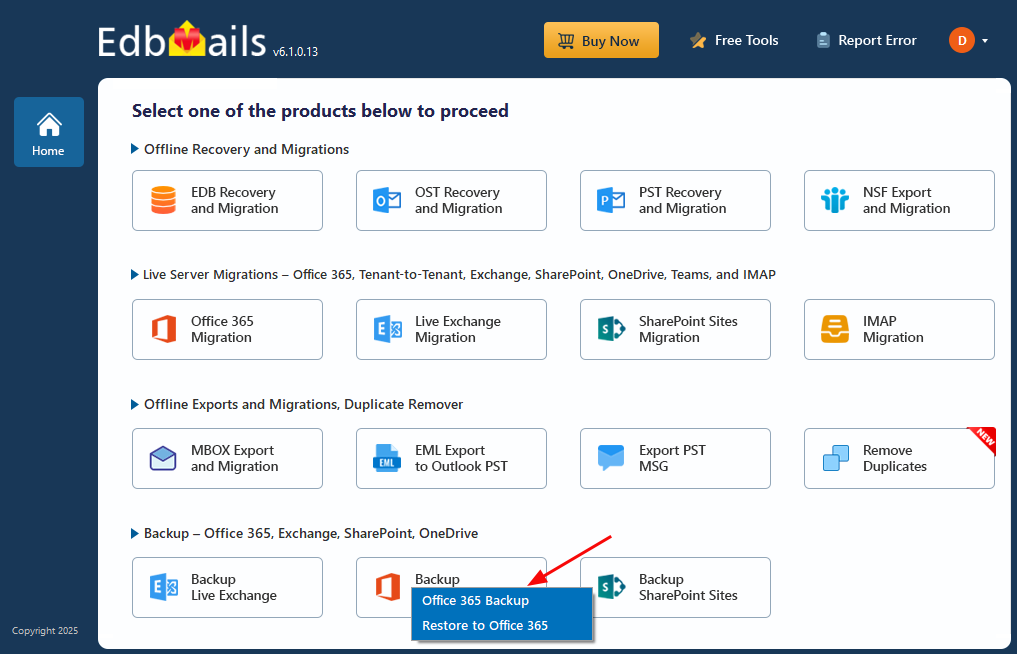
Select the operation as ‘Office 365 Backup’
Enter the backup job name
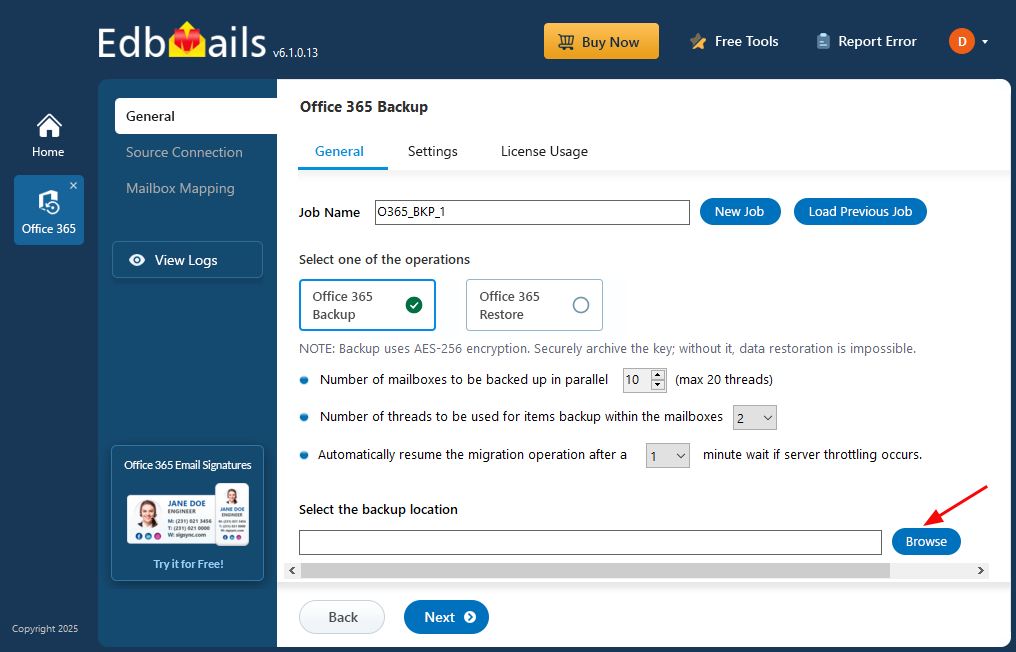
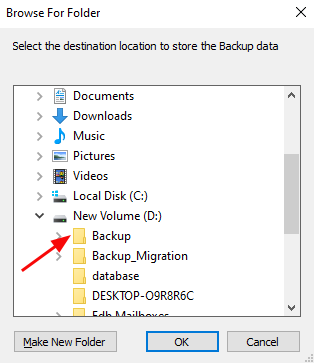
Select the location to store backup data
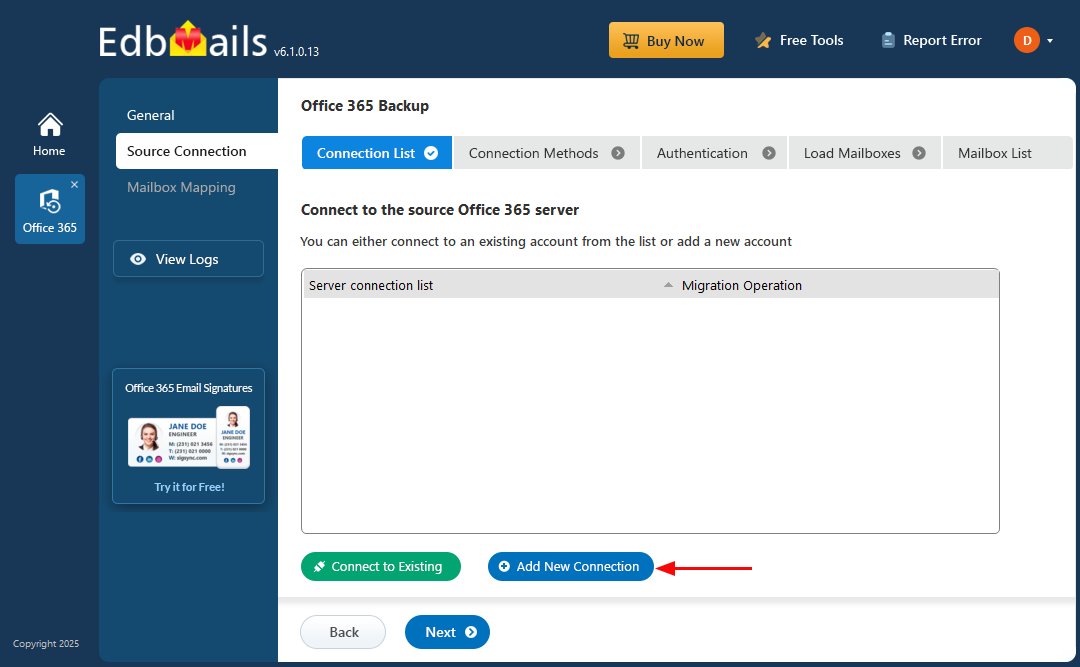
Connect to the source Office 365 server
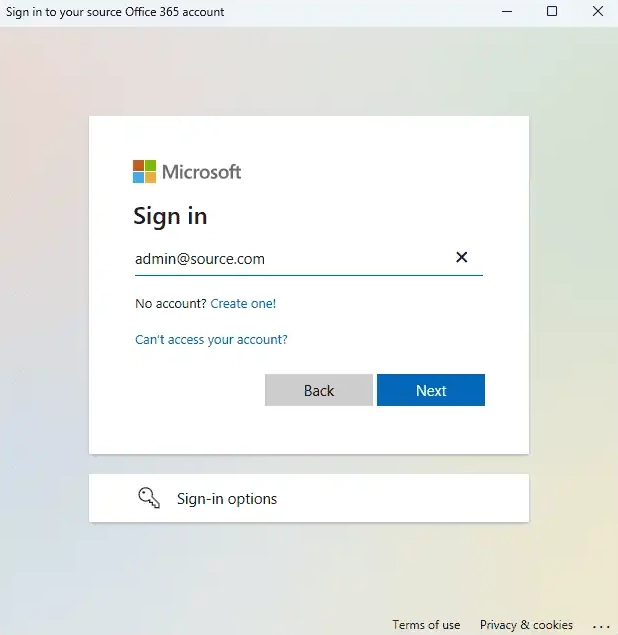
Authenticate on Microsoft sign-in page
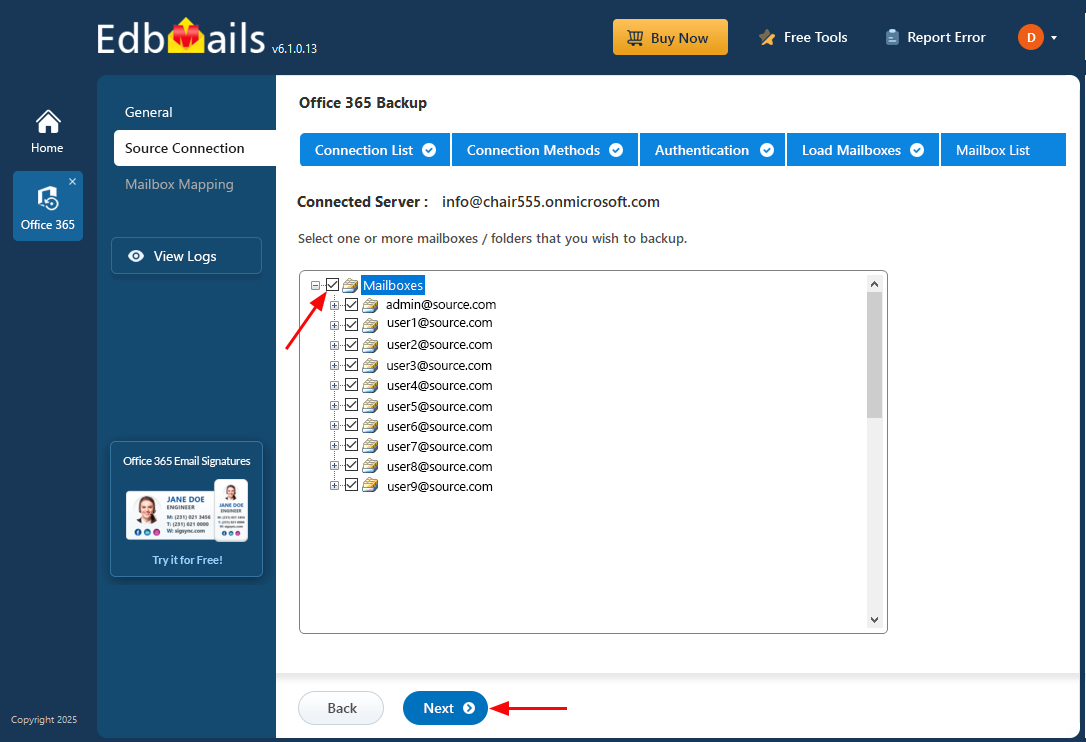
Select the mailboxes
Click on 'Start Backup'