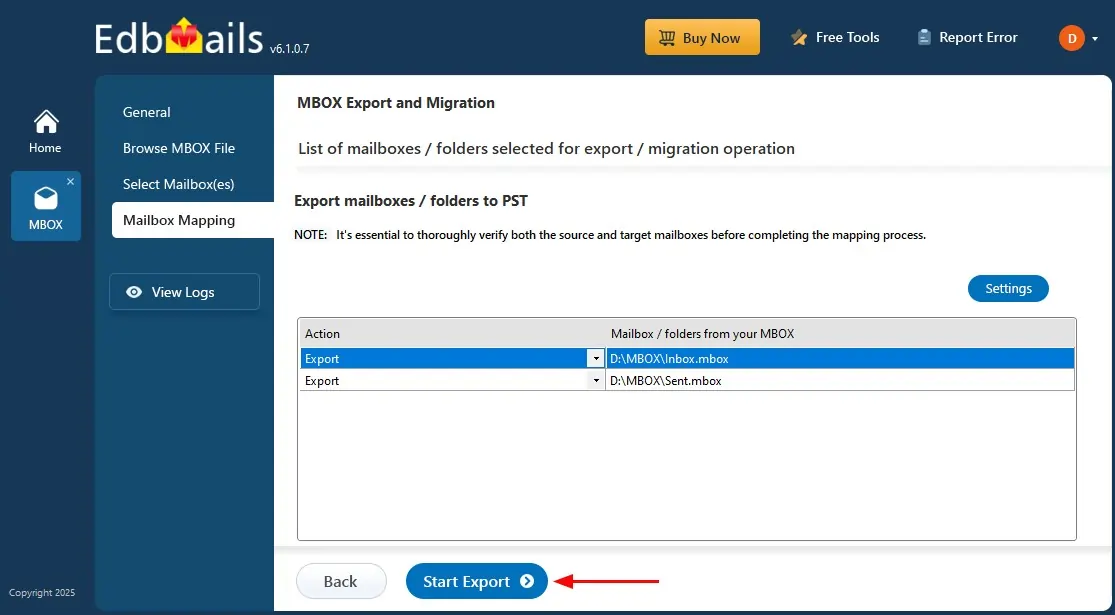
MBOX to PST Conversion Screenshots
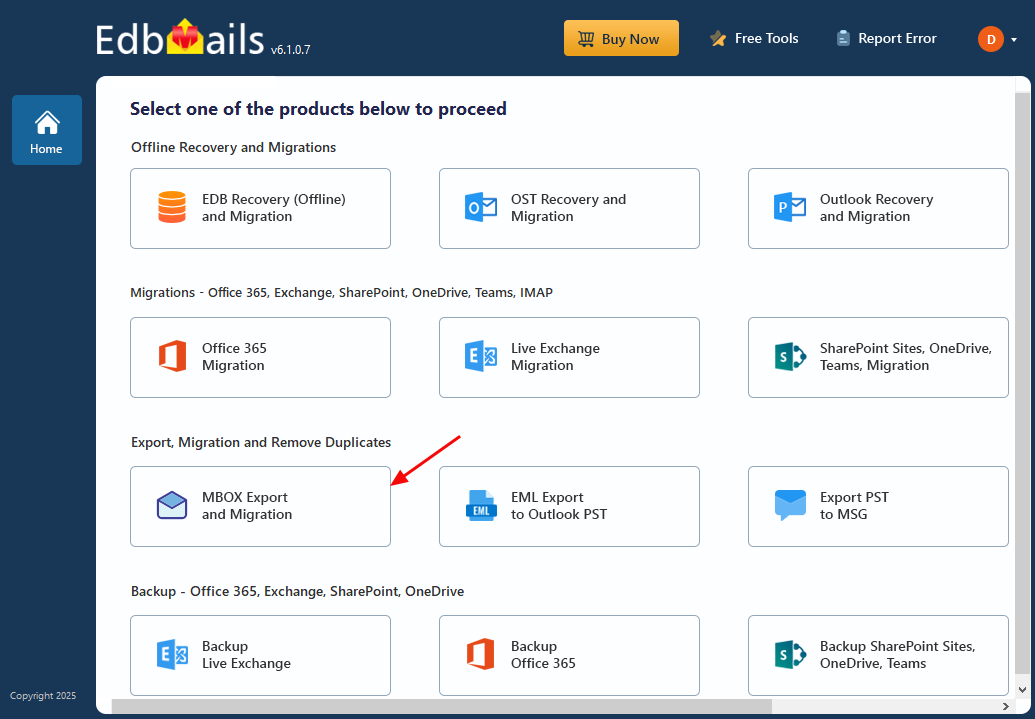
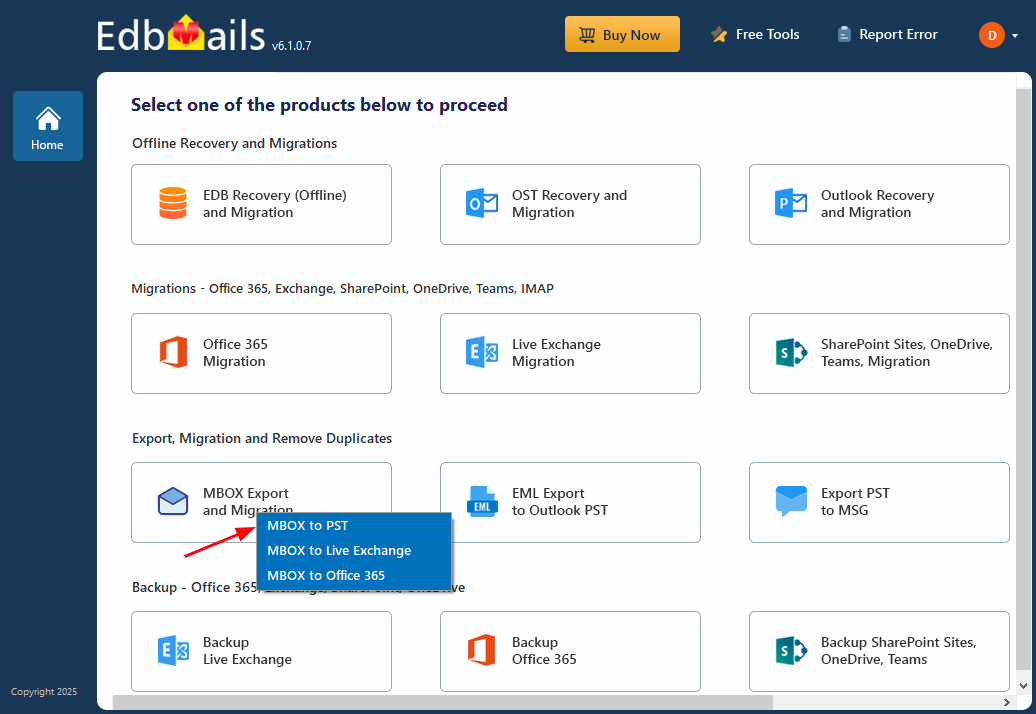
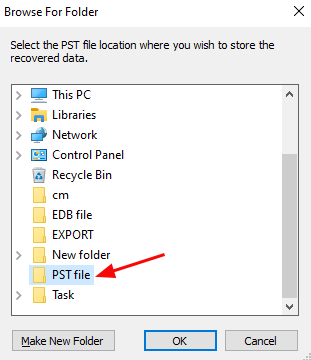
These screenshots show the EdbMails MBOX-to-PST export workflow: select MBOX Export and Migration, choose MBOX to PST, set the job and PST location, select the required mailbox data and start the export. For product capabilities, visit the MBOX to PST Converter; for detailed instructions, see How to Convert MBOX to PST.
Select 'MBOX Export and Migration'
Select ‘MBOX to PST’
Enter the job name

Choose PST location
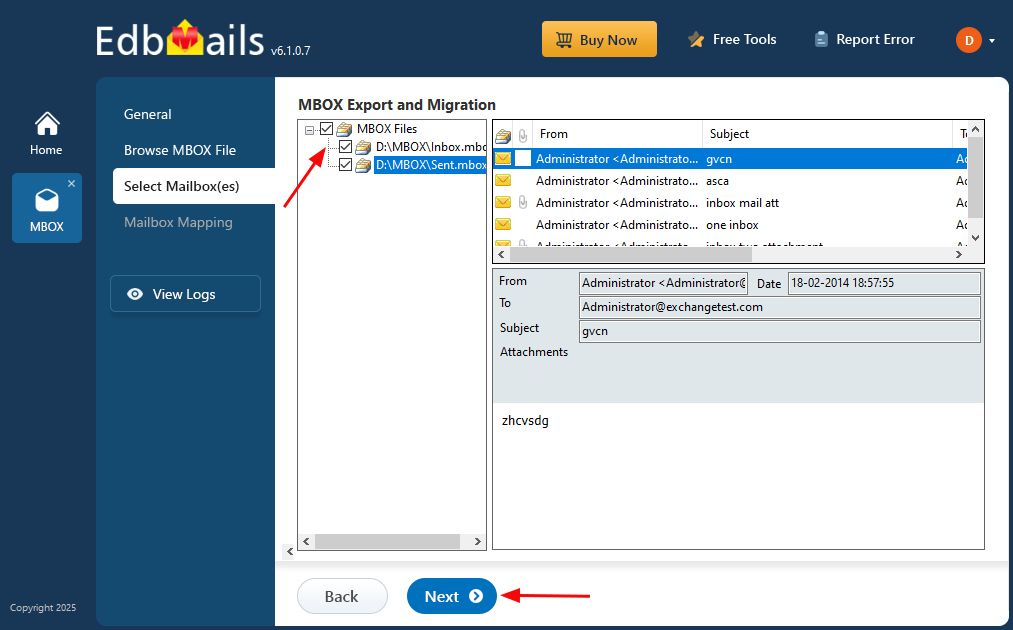
Select the mailboxes to export
Start MBOX to PST export operation