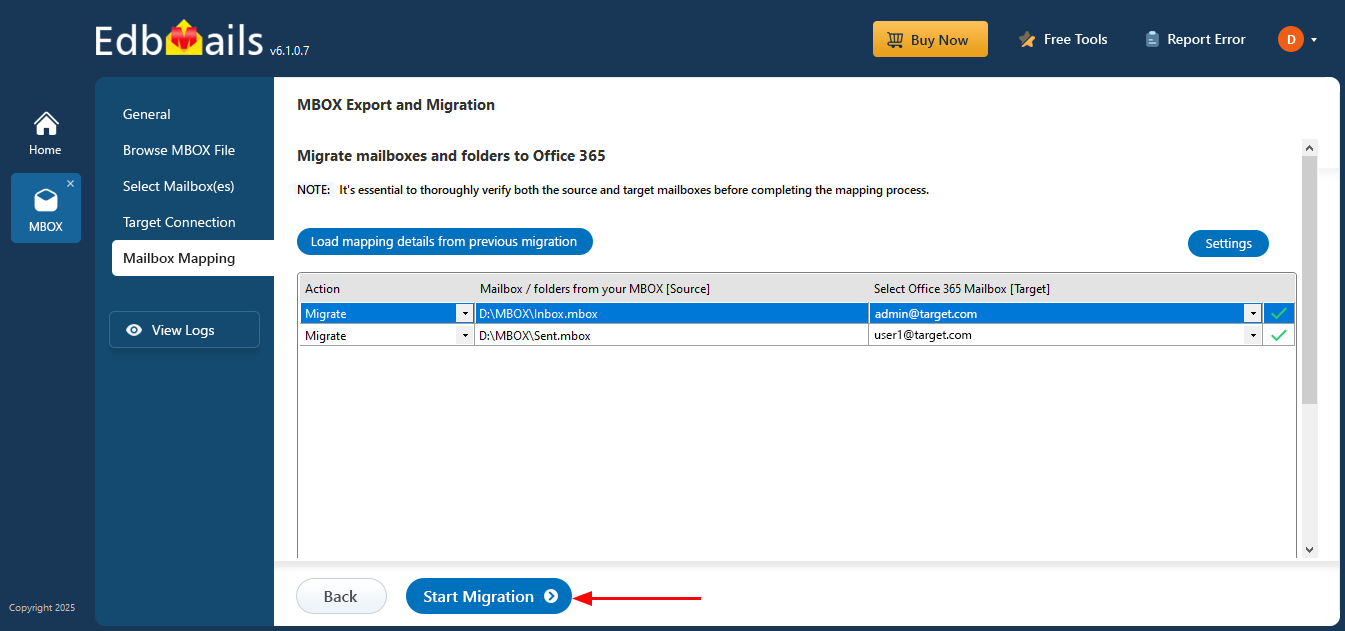
MBOX to Office 365 Migration Screenshots
These screenshots show the EdbMails MBOX-to-Microsoft 365 workflow from source selection through Microsoft 365 connection, mailbox mapping and migration start. For the commercial migration workflow, visit the MBOX Migration Tool; for full instructions, see the MBOX to Office 365 Migration Guide.
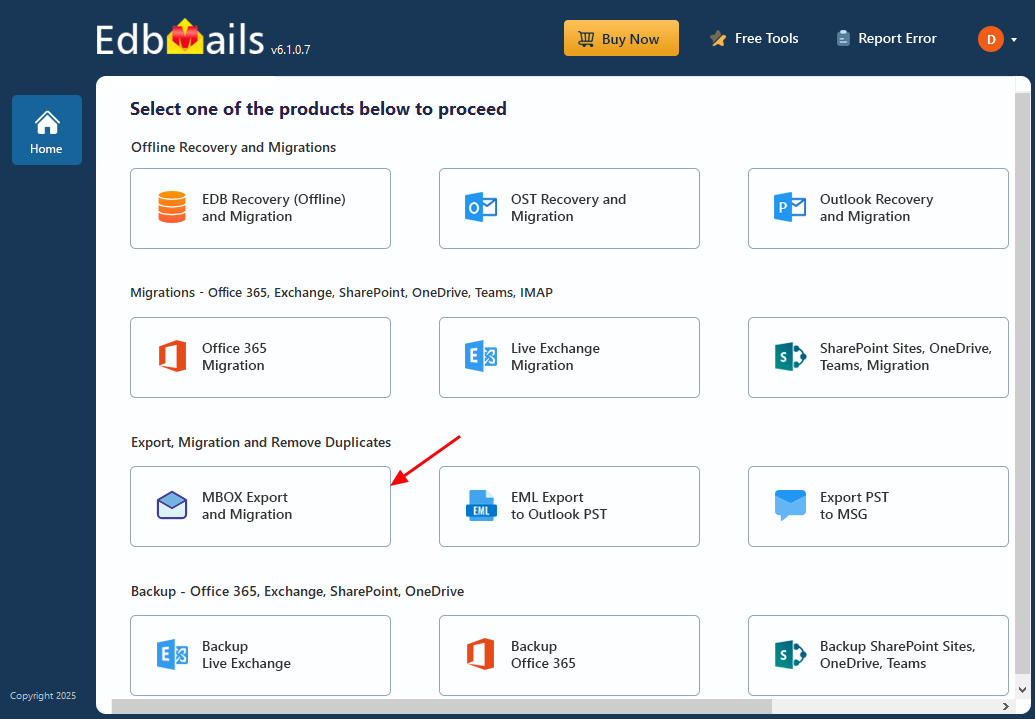
Select MBOX Export and Migration
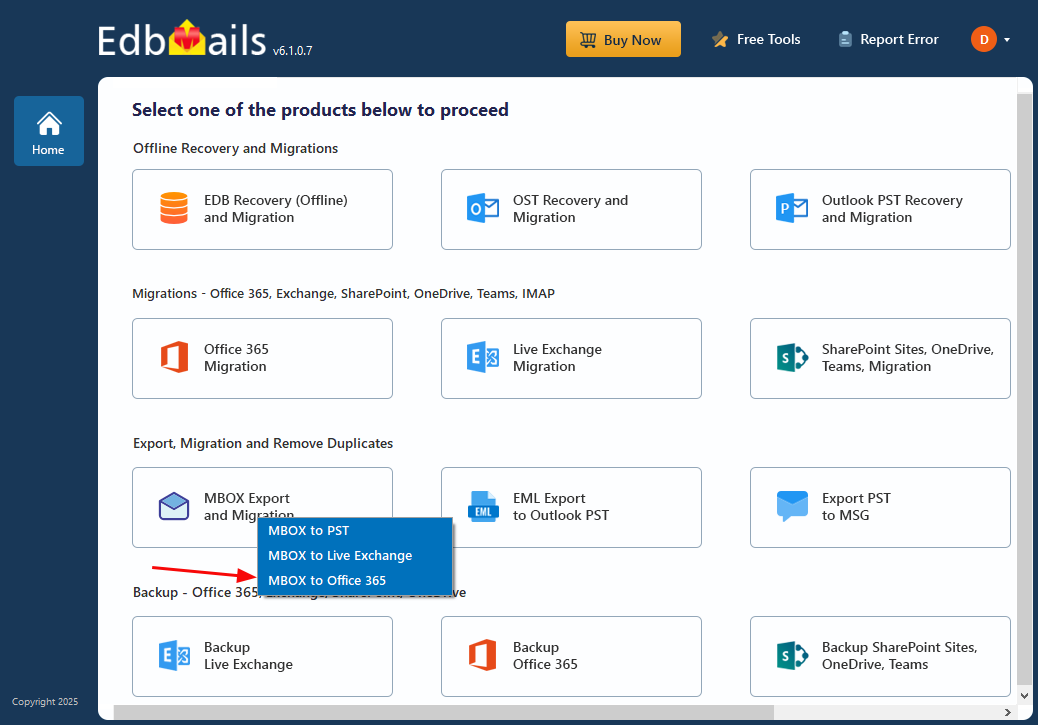
Select ‘MBOX to Office 365’
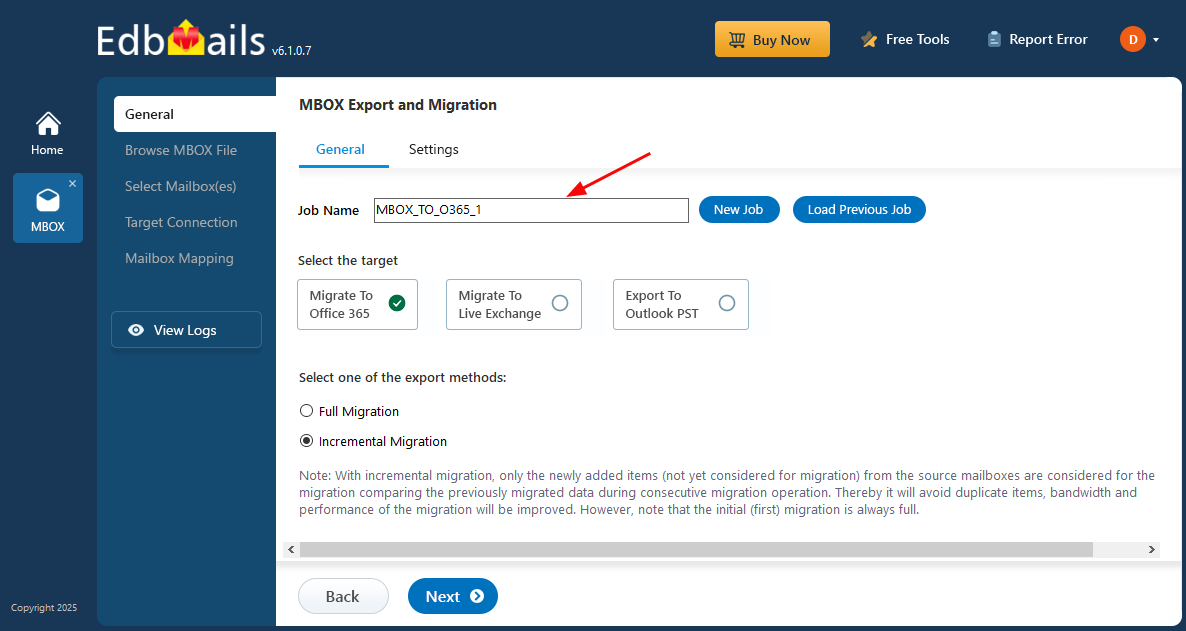
Enter the job name
Select the mailboxes to migrate
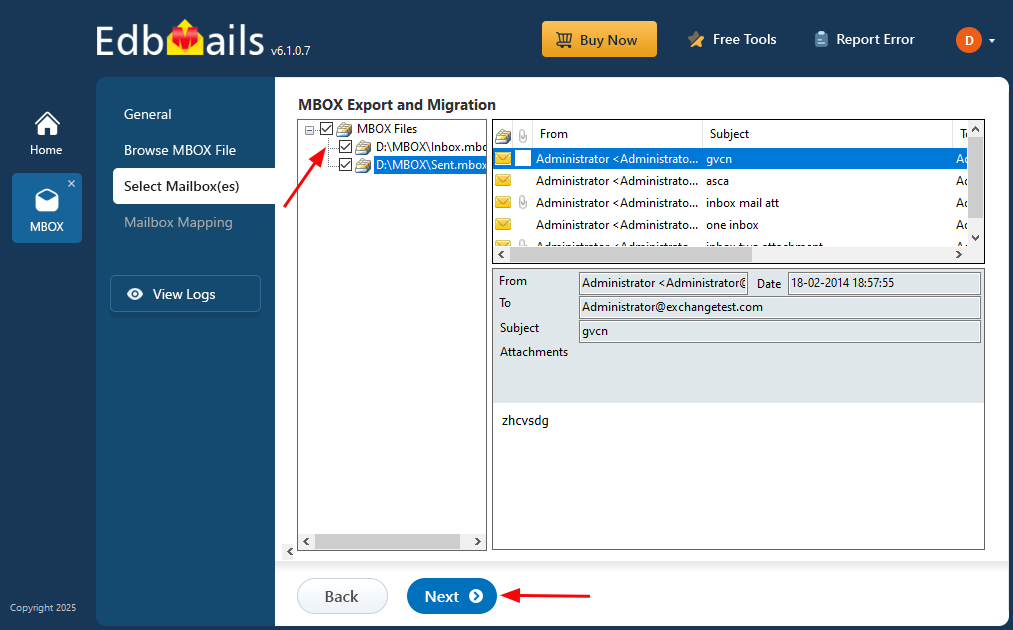
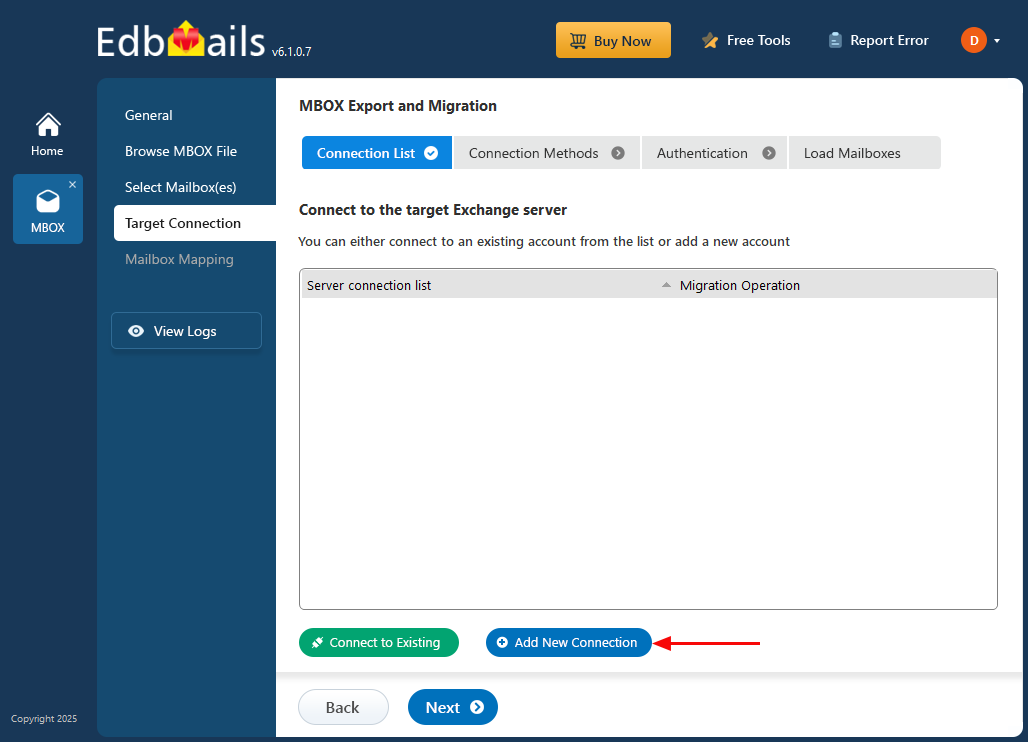
Connect to target Exchange server
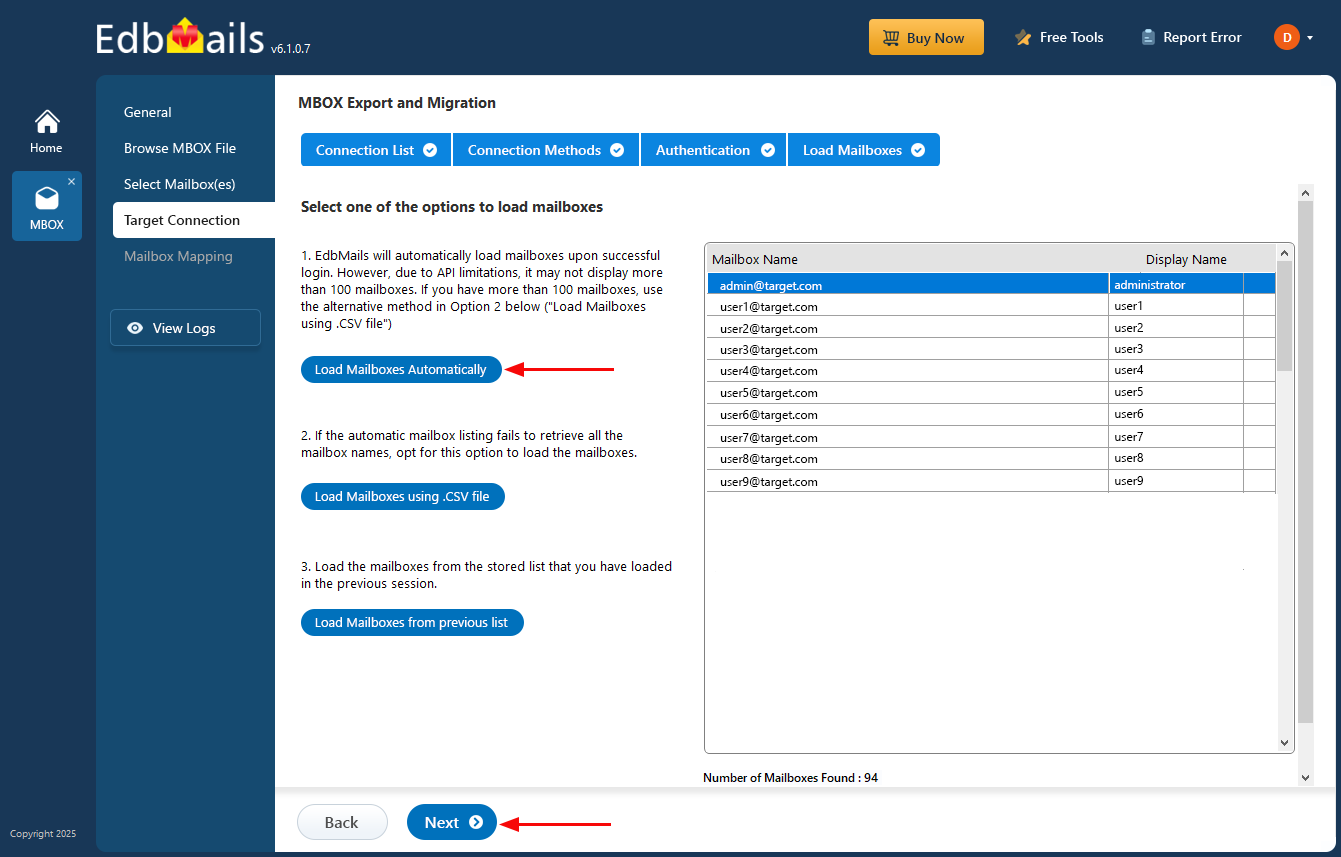
Select the option to load the mailboxes
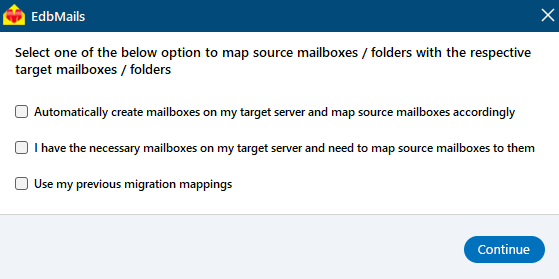
Map MBOX to Office 365 mailboxes
Click 'Start Migration' button