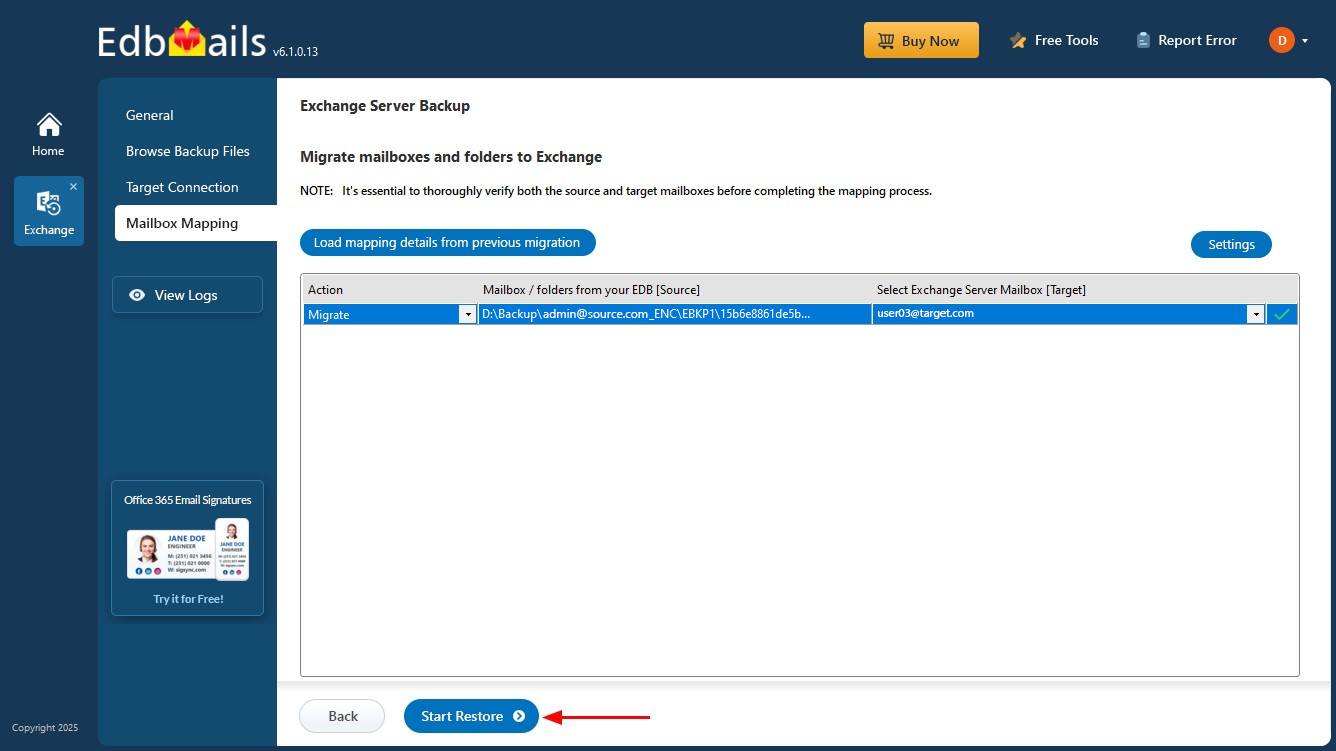
Exchange Restore Screenshots
These screenshots show the Exchange mailbox restore workflow from an EdbMails encrypted backup. For the complete recovery strategy, see Exchange Server Backup and Restore. For the primary product overview, visit Exchange Server Backup.
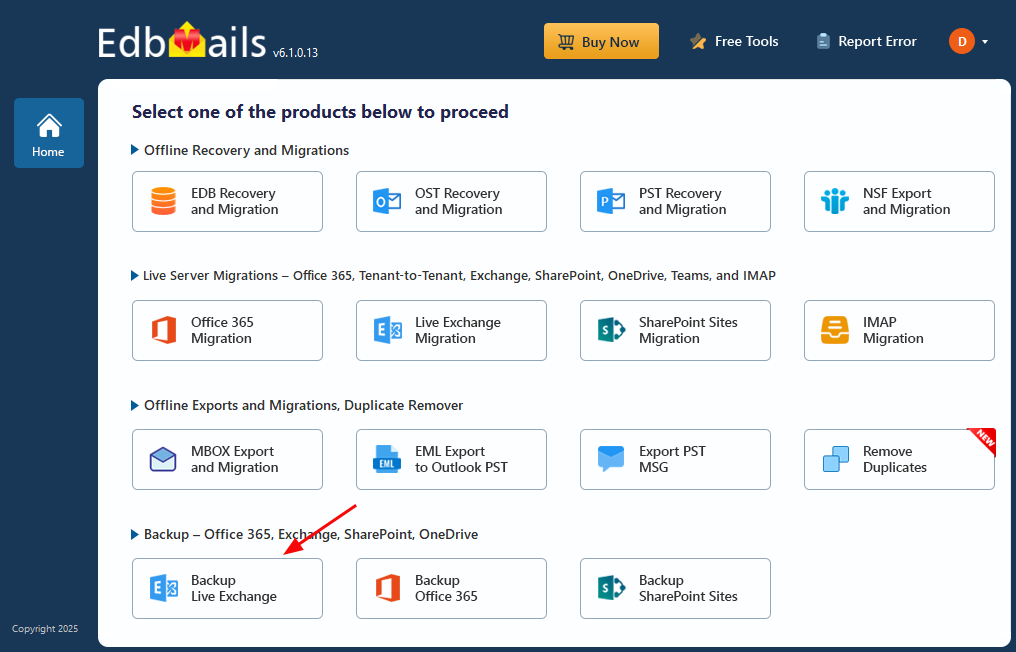
Select ‘Backup Live Exchange’
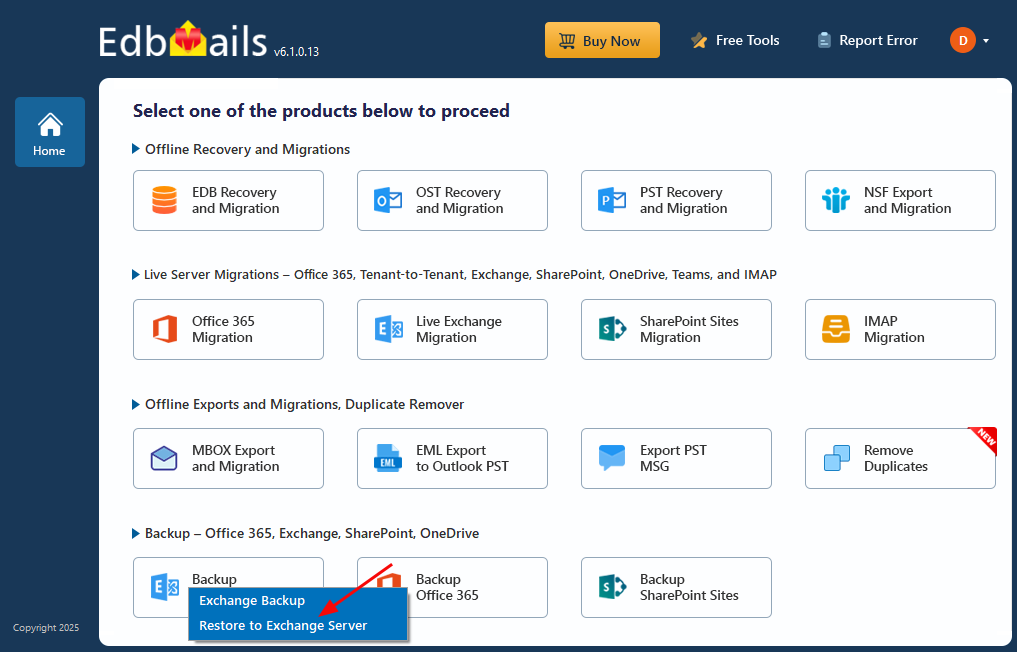
Select ‘Restore to Exchange Server’
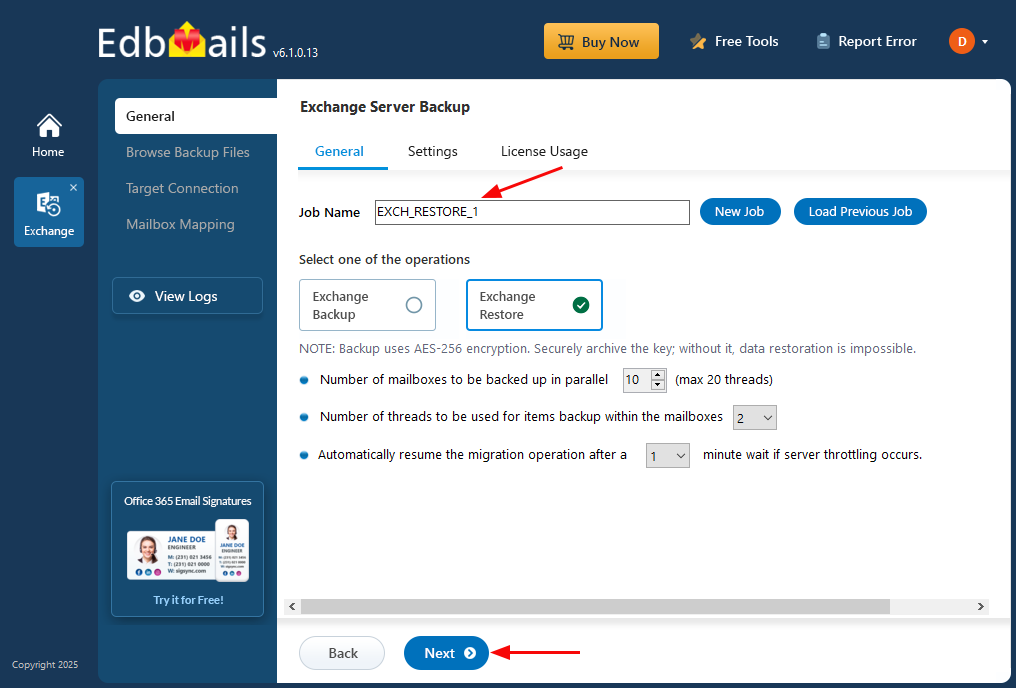
Enter Job name for Exchange Restore
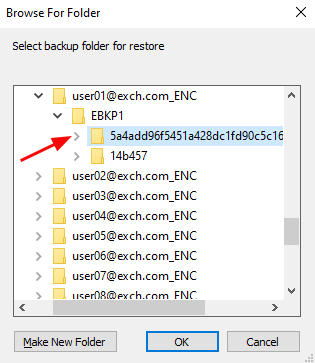
Select the encrypted backup files
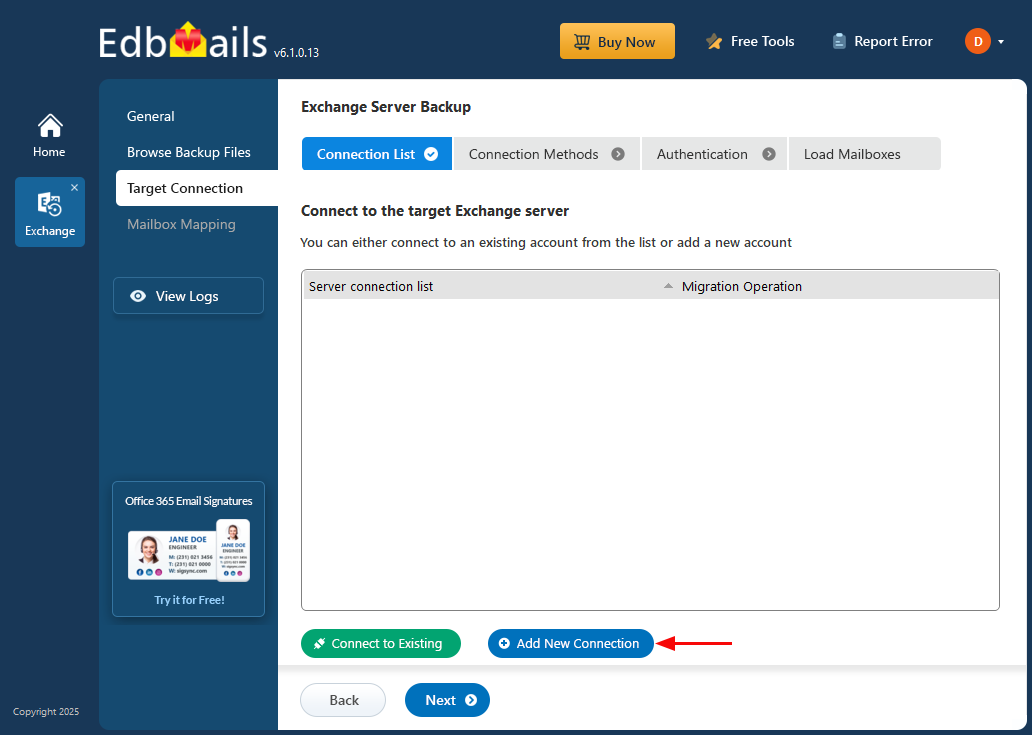
Connect to target Exchange server
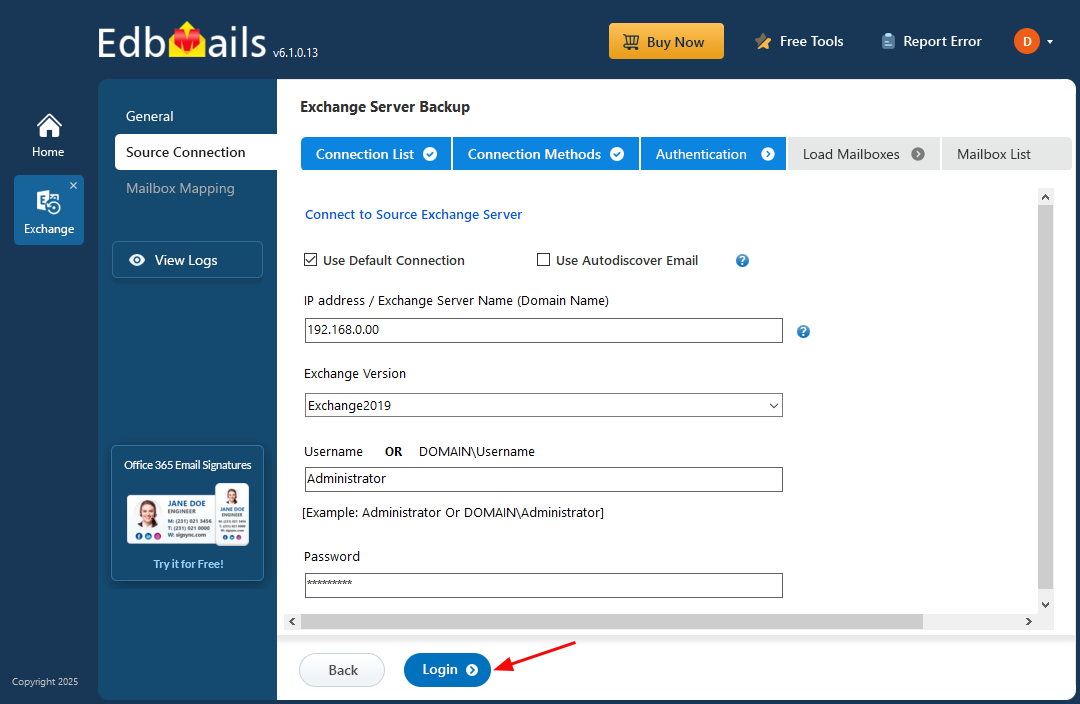
Login to Exchange Server to Restore
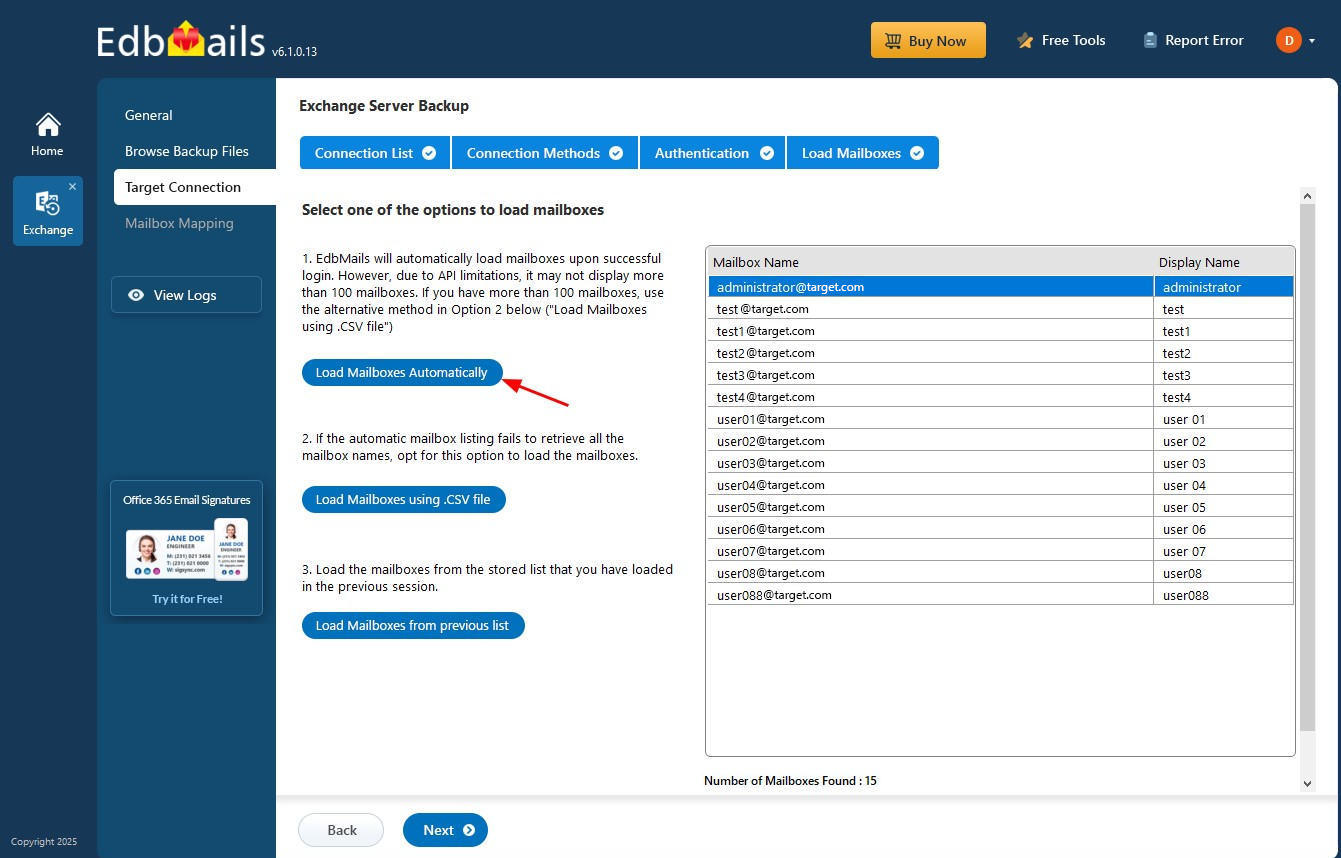
Choose a method to load the mailboxes
Click to start Exchange Restore Process