Exchange Backup Screenshots
These screenshots show the EdbMails Exchange mailbox backup workflow. For the complete commercial overview, visit Exchange Server Backup. For detailed written steps, see the Exchange Backup Guide.
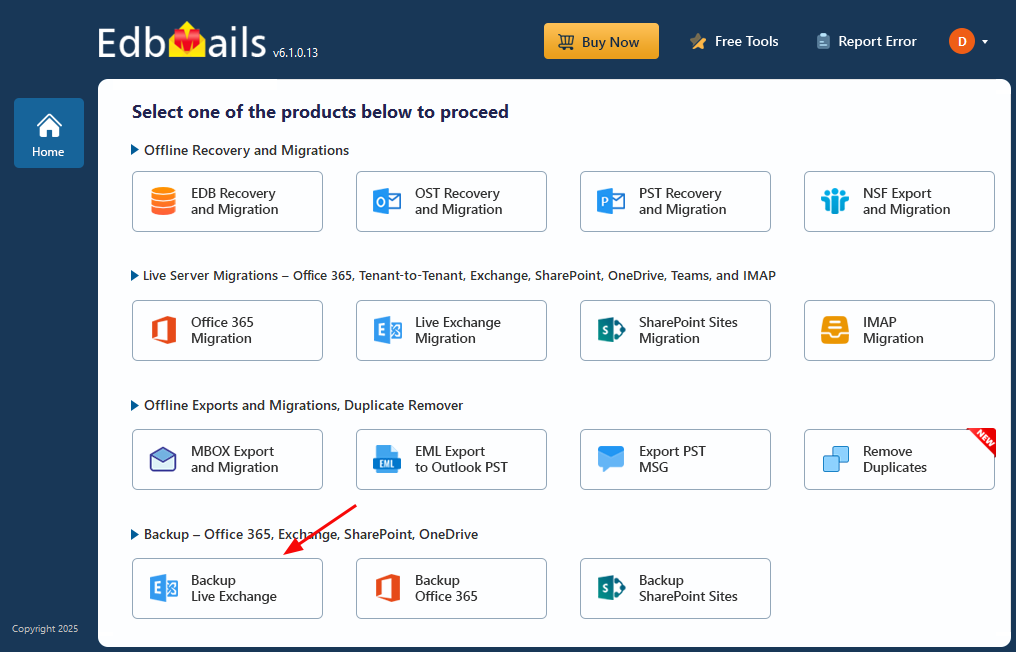
Select ‘Backup Live Exchange’
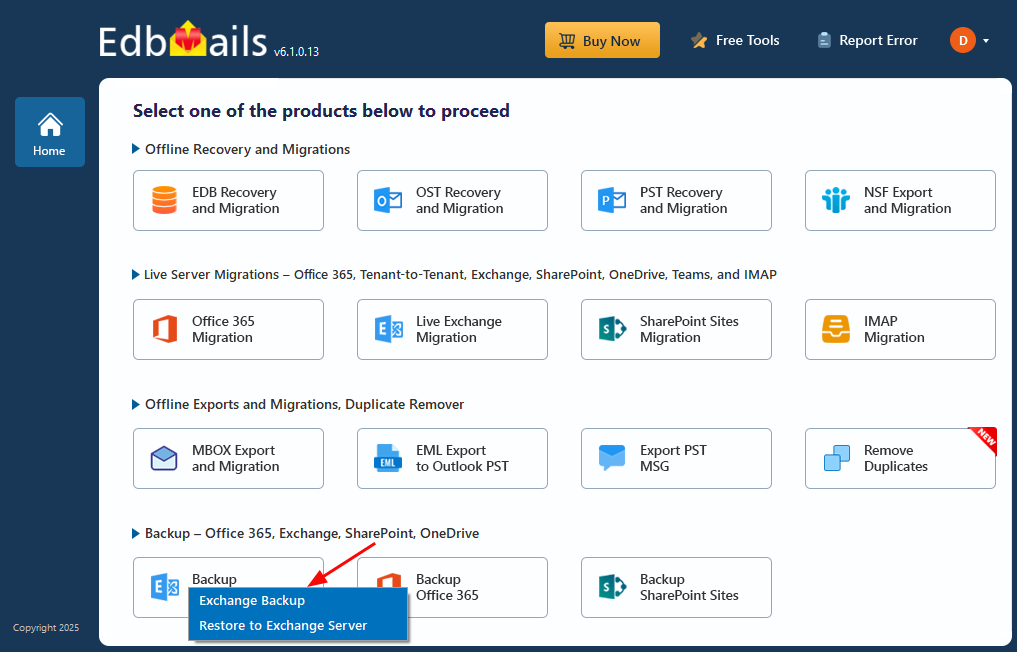
Select ‘Exchange Backup’ as backup option
Enter Job name for Exchange Backup
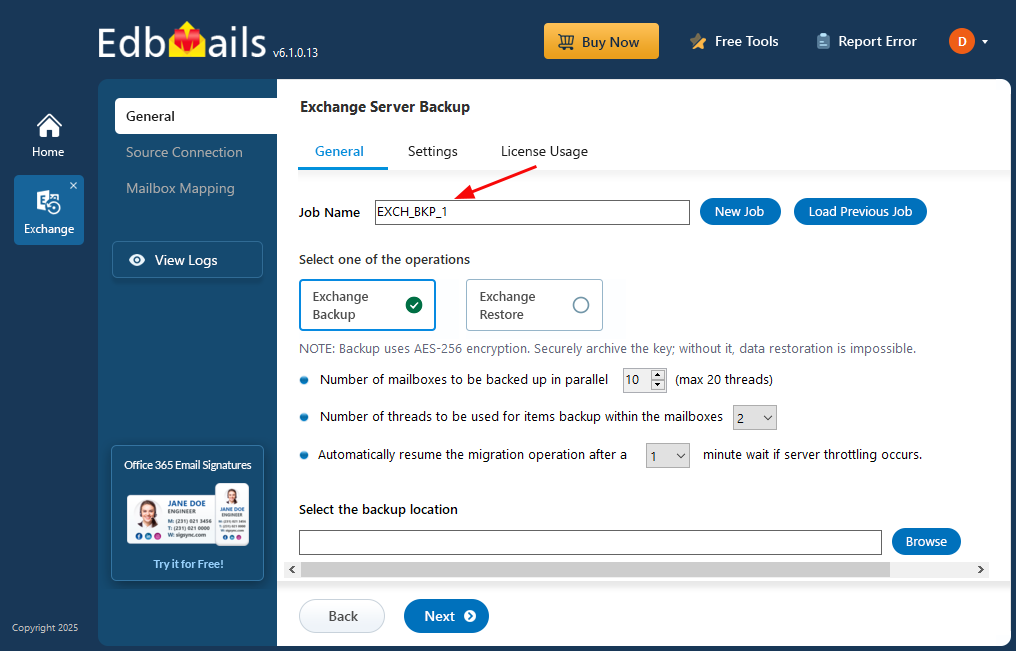
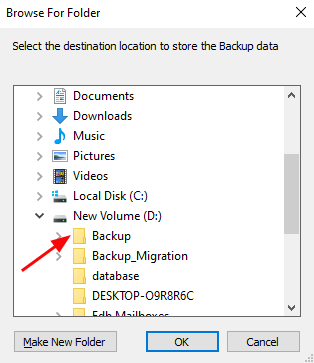
Select the location to store the backup data
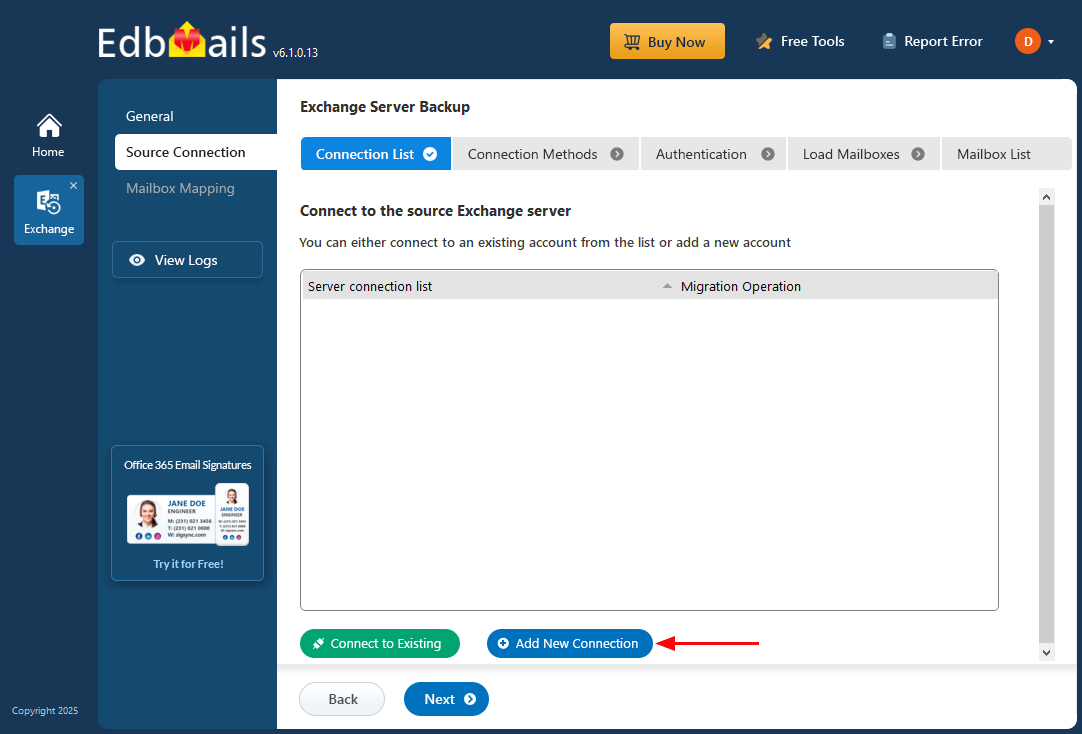
Connect to source Exchange server
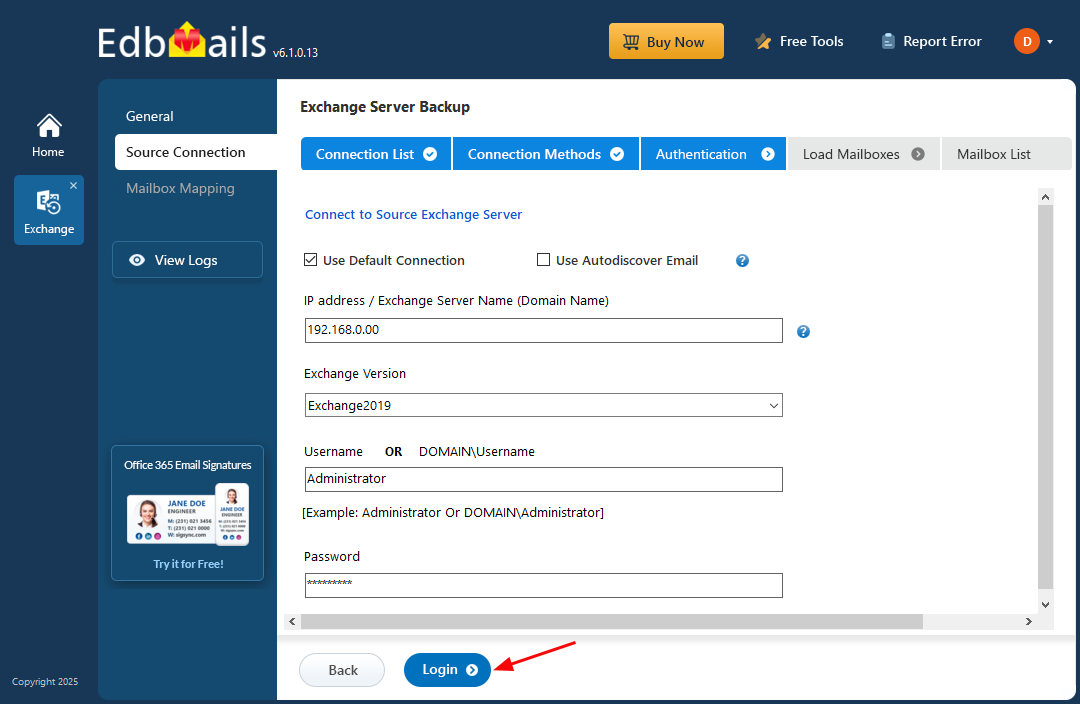
Login to Exchange Server to Backup
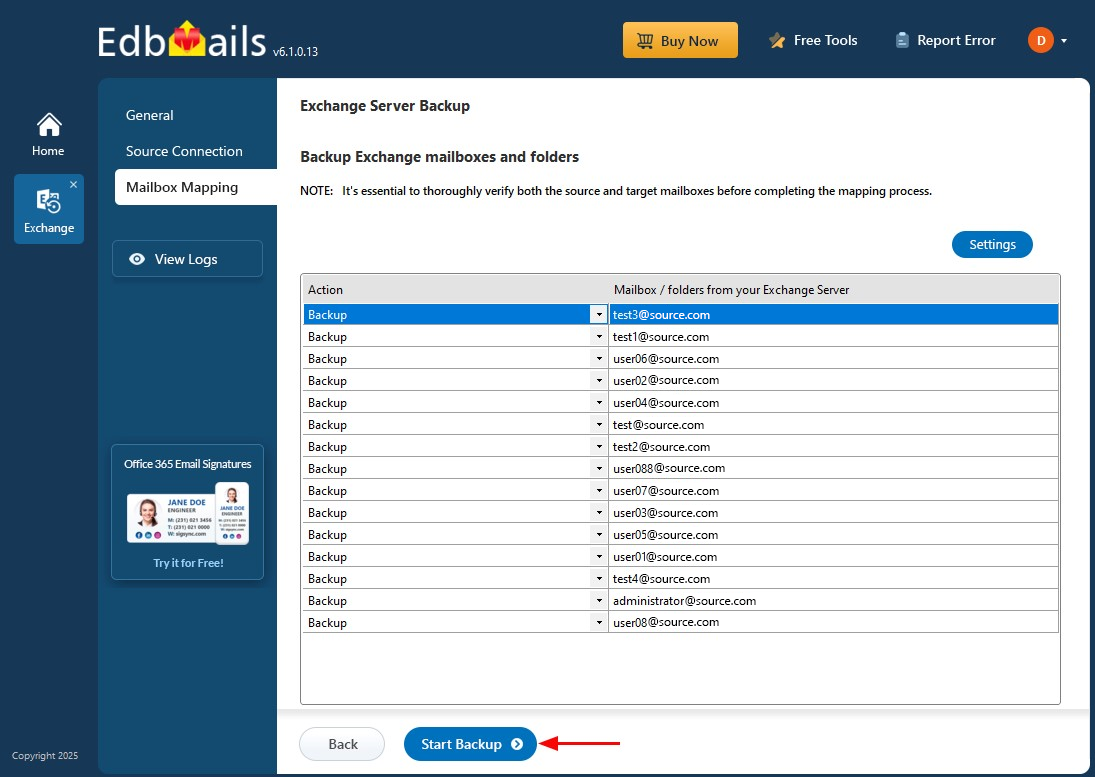
Start Exchange backup process
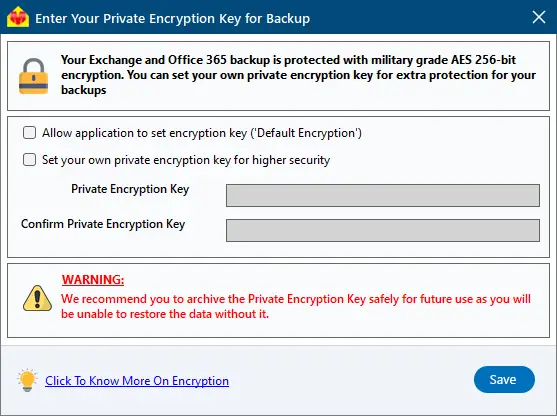
Click ‘Save’ to apply your encryption settings